
Best SEO Plug In for WordPress: 2026 Complete Guide

Modest Mitkus
March 22, 2026
WordPress powers over 43% of all websites globally, making it the most popular content management system in 2026. However, WordPress alone doesn't guarantee search engine visibility. Finding the best SEO plug in for WordPress is essential for businesses looking to optimize their content, improve rankings, and drive organic traffic. With dozens of options available, selecting the right plugin requires understanding your specific needs, budget, and technical capabilities. This guide examines the top WordPress SEO plugins, their features, and how to choose the solution that aligns with your SEO strategy.
Understanding WordPress SEO Plugin Fundamentals
WordPress SEO plugins serve as comprehensive toolkits that help optimize your website for search engines without requiring extensive technical knowledge. These plugins automate critical SEO tasks, from generating XML sitemaps to analyzing content quality and managing meta descriptions.
The best SEO plug in for WordPress should offer a balanced combination of technical optimization, content analysis, and user-friendly interface. Modern plugins have evolved beyond basic meta tag management to include advanced features like schema markup, breadcrumb navigation, and integration with search console data.
Core Features Every SEO Plugin Should Include
When evaluating WordPress SEO plugins, certain features are non-negotiable for effective optimization. Understanding these core capabilities helps differentiate between basic tools and comprehensive solutions.
Essential SEO Plugin Features:
- XML sitemap generation and automatic submission
- Meta title and description optimization
- Open Graph and Twitter Card integration
- Canonical URL management
- Robots.txt and .htaccess file editing
- Redirect management for broken links
- Schema markup implementation
- Content analysis with actionable recommendations
Most professional-grade plugins include real-time content analysis that evaluates readability, keyword usage, and SEO best practices. This immediate feedback helps content creators optimize posts before publication, significantly improving search performance.

Technical SEO Considerations
Beyond on-page optimization, the best SEO plug in for WordPress must address technical SEO elements that impact crawlability and indexation. These technical features often operate behind the scenes but significantly influence search engine rankings.
Technical optimization includes managing duplicate content through canonical tags, controlling crawl budget with robots directives, and implementing structured data for rich snippets. Advanced plugins also monitor site health, identifying issues like broken internal links, missing alt text, and slow-loading pages.
| Technical Feature | Impact on SEO | Plugin Implementation |
|---|---|---|
| XML Sitemaps | Ensures search engines discover all pages | Automatic generation and updates |
| Canonical URLs | Prevents duplicate content penalties | Automatic or manual configuration |
| Schema Markup | Enables rich snippets in search results | Templates for common content types |
| Breadcrumbs | Improves site structure and navigation | Customizable hierarchy display |
| Redirects | Preserves link equity during migrations | 301/302 redirect management |
Top WordPress SEO Plugins Compared
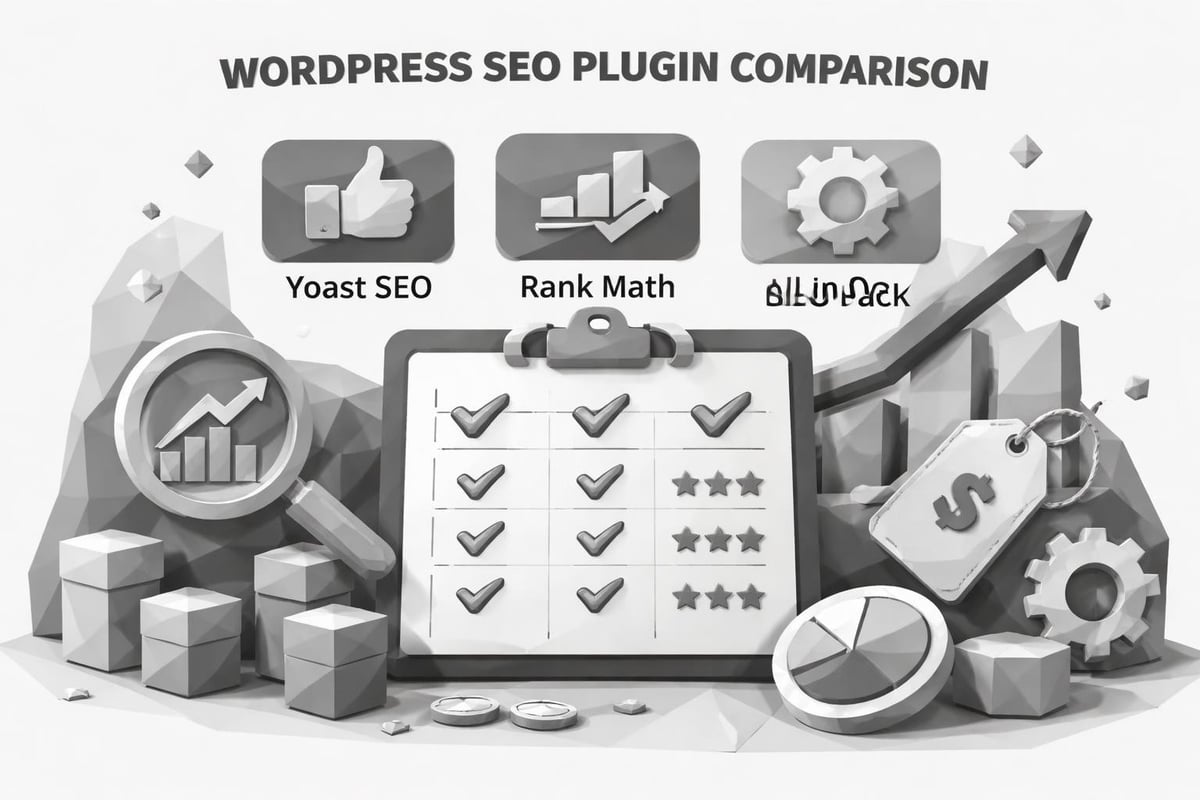
The WordPress plugin repository contains thousands of SEO tools, but only a handful have proven themselves as industry leaders. Professional SEO tools vary significantly in their approach, with some focusing on simplicity while others offer enterprise-level capabilities.
Yoast SEO: The Industry Standard
Yoast SEO dominates the WordPress SEO plugin market with over 5 million active installations. This plugin pioneered the traffic light system for content optimization, making SEO accessible to beginners while offering advanced features for professionals.
The free version provides comprehensive on-page optimization, including meta tag management, readability analysis, and XML sitemap generation. Premium features include internal linking suggestions, redirect management, and multiple keyword optimization. Yoast's content analysis evaluates keyword density, sentence length, subheading distribution, and transition word usage.
Yoast SEO Strengths:
- Intuitive interface with clear optimization guidance
- Regular updates and extensive documentation
- Strong community support and tutorials
- Integration with popular WordPress themes and builders
- Advanced schema markup options in premium version
The premium version costs $99 annually for a single site, with bulk pricing available for agencies managing multiple websites. For businesses focused on content-driven SEO strategies, Yoast remains the best SEO plug in for WordPress due to its comprehensive feature set and user-friendly approach.
Rank Math: The Feature-Rich Alternative
Rank Math has rapidly gained market share by offering premium features in its free version. This plugin includes advanced schema markup, local SEO optimization, and integration with Google Search Console data directly in the WordPress dashboard.
Unlike traditional SEO plugins, Rank Math employs a modular approach where users activate only the features they need. This reduces database bloat and improves performance. The plugin supports up to five keywords per post in the free version and provides detailed SEO analysis based on 40+ ranking factors.
Rank Math's automation features set it apart from competitors. The plugin automatically generates schema markup based on content type, adds alt text to images using filename patterns, and creates optimized breadcrumbs without manual configuration. These automation capabilities align well with modern automated SEO strategies that prioritize efficiency.
All in One SEO Pack: The Veteran Solution
As one of the oldest WordPress SEO plugins, All in One SEO Pack has maintained its position through consistent updates and reliable performance. The plugin offers a straightforward approach to optimization without overwhelming users with excessive options.
The free version includes essential features like XML sitemaps, social media integration, and advanced canonical URLs. Premium features add local SEO, video SEO sitemap, and smart schema markup. All in One SEO Pack particularly excels at e-commerce optimization, with specific features for WooCommerce product pages.
Pricing Structure:
| Plan | Price | Sites | Key Features |
|---|---|---|---|
| Basic | $49.50/year | 1 | Core SEO features |
| Plus | $99.50/year | 3 | Smart schema, local SEO |
| Pro | $199.50/year | 10 | Video SEO, news sitemap |
| Elite | $299.50/year | Unlimited | Priority support, beta access |
Specialized SEO Plugins for Specific Needs
While comprehensive plugins handle general optimization, specialized tools address specific SEO challenges. Combining the best SEO plug in for WordPress with targeted solutions creates a robust optimization strategy.
Technical SEO and Site Performance
Technical SEO plugins focus on backend optimization that general SEO tools may overlook. These plugins address site speed, structured data validation, and advanced crawl management. Understanding how to leverage AI SEO tools alongside technical plugins maximizes optimization efficiency.
Screaming Frog SEO Spider, while not exclusively a WordPress plugin, provides comprehensive site auditing capabilities that complement WordPress SEO plugins. It identifies broken links, analyzes page titles, and discovers duplicate content across large websites.
Content Optimization Plugins
Content-focused plugins enhance the writing and publishing process with advanced readability analysis and keyword research integration. These tools work alongside general SEO plugins to improve content quality and relevance.
Modern content creation increasingly relies on AI-powered solutions that understand search intent and competitor strategies. Platforms like RankPill automate the entire content creation process, from keyword research to publishing, making them ideal complements to WordPress SEO plugins for businesses scaling their content operations.
Content Plugin Categories:
- Readability analyzers that evaluate Flesch reading scores
- Keyword research tools with real-time search volume data
- Internal linking assistants that suggest relevant connections
- Content calendar managers for consistent publishing
- Duplicate content detectors that prevent cannibalization
Schema and Structured Data Tools
Schema markup has become increasingly important for earning rich snippets and featured positions in search results. Specialized schema plugins offer more granular control than general SEO plugins' built-in options.
These plugins support advanced schema types including FAQ, How-to, Recipe, Product, and Local Business markup. They also validate schema implementation through integration with Google's Rich Results Test, ensuring proper implementation before publication.
Choosing the Right SEO Plugin for Your Business
Selecting the best SEO plug in for WordPress depends on your specific needs, technical expertise, and business objectives. A methodical evaluation process ensures you choose a solution that grows with your business.
Assessing Your SEO Requirements
Begin by auditing your current SEO challenges and goals. Different businesses require different capabilities based on their industry, content volume, and target audience.
Decision Framework:
- Content Volume: High-volume publishers need automation and bulk editing
- Technical Expertise: Beginners require intuitive interfaces with clear guidance
- Budget Constraints: Free plugins suffice for basic needs; premium features justify costs at scale
- Industry Specific: E-commerce, local businesses, and publishers have unique requirements
- Integration Needs: Consider existing tools and workflow compatibility
E-commerce sites benefit from plugins with strong WooCommerce integration and product schema markup. Local businesses should prioritize plugins with local SEO features including Google Business Profile integration and location-based schema. Publishers require advanced editorial workflows and content analysis for increasing blog traffic systematically.
Performance Impact Considerations
SEO plugins add functionality but can also impact site performance if poorly optimized. The best SEO plug in for WordPress balances comprehensive features with minimal performance overhead.
| Performance Metric | Impact Level | Mitigation Strategy |
|---|---|---|
| Database Queries | Medium | Choose plugins with efficient database architecture |
| Page Load Time | Low to Medium | Disable unused features and modules |
| HTTP Requests | Low | Combine with caching plugins |
| Server Resources | Medium | Select well-coded plugins with regular optimization |
Monitor your site's performance after installing any SEO plugin using tools like Google PageSpeed Insights or GTmetrix. If performance degrades significantly, consider alternative plugins or optimize your hosting environment to accommodate the additional functionality.
Integration with Existing Workflows
The most effective SEO plugin seamlessly integrates into your existing content creation and publishing workflow. Consider how the plugin works with your page builder, theme, and other essential plugins.
Many businesses now use AI-powered content platforms that require specific integration capabilities. For instance, automated content creation systems need SEO plugins that support API access for programmatic optimization. This is where understanding how to optimize for AI SEO becomes crucial for modern digital strategies.
Advanced SEO Plugin Strategies
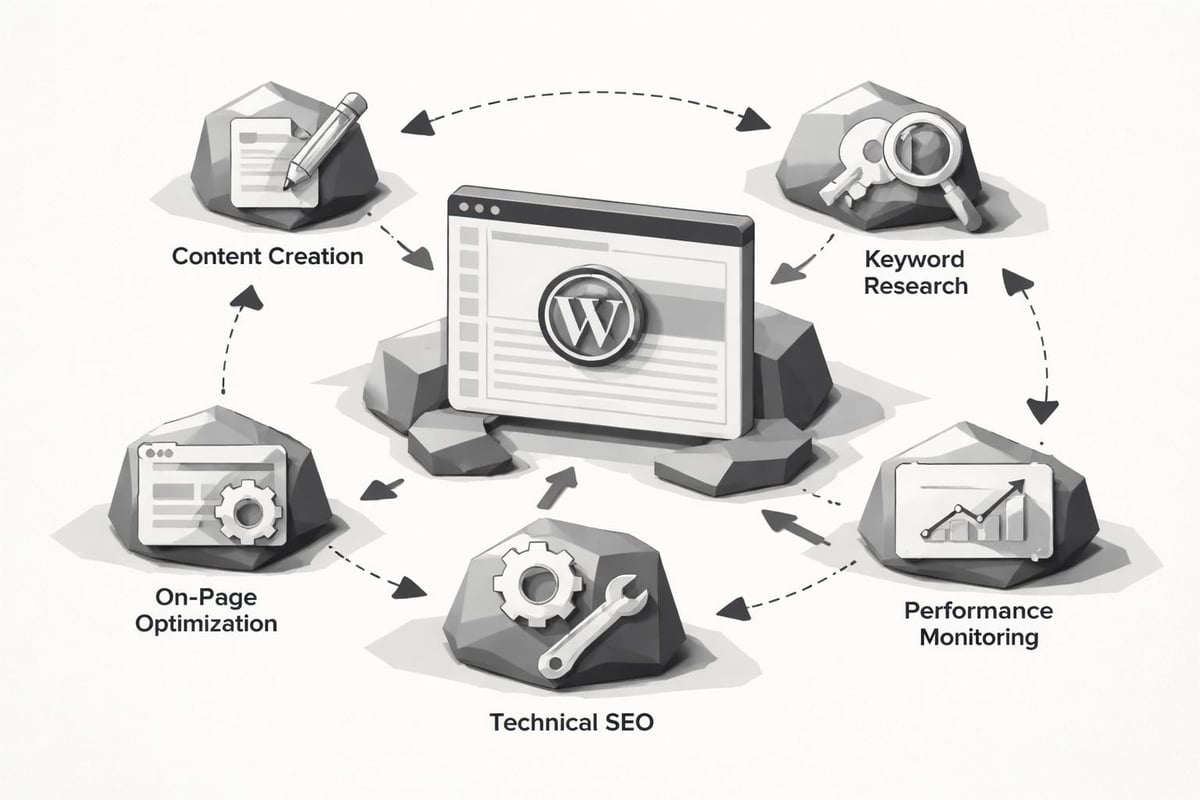
Once you've selected the best SEO plug in for WordPress, maximizing its potential requires advanced implementation strategies. These techniques transform basic plugins into powerful optimization engines.
Automating Repetitive SEO Tasks
Modern SEO plugins offer automation features that reduce manual work while maintaining optimization quality. Configuring these automation rules saves hours of repetitive tasks across large content libraries.
Automation Opportunities:
- Automatically generate meta descriptions from post excerpts
- Apply schema markup templates based on content categories
- Schedule XML sitemap submissions after content updates
- Configure default noindex rules for taxonomies and archives
- Set up automatic internal linking patterns
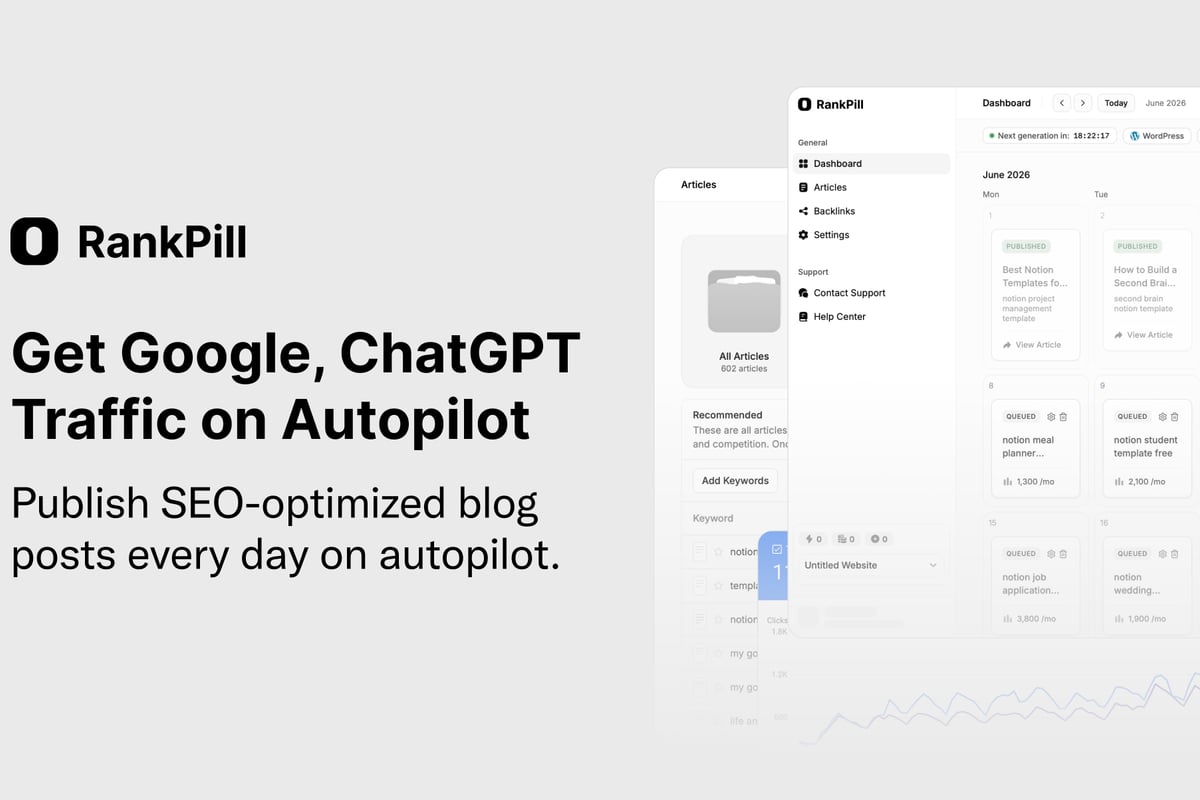
RankPill takes automation further by handling the entire content creation process automatically. This AI-powered platform researches keywords, writes optimized articles, and publishes them directly to WordPress on a consistent schedule. At just $99 per month for 30 articles, it costs significantly less than traditional content agencies while maintaining quality and SEO best practices.
Leveraging Plugin Data for Strategic Decisions
Premium SEO plugins collect valuable data about content performance, keyword rankings, and technical issues. Analyzing this data informs strategic decisions about content direction and optimization priorities.
Most advanced plugins integrate with Google Search Console and Google Analytics, consolidating performance metrics in your WordPress dashboard. This integration enables data-driven decisions about which content to update, which keywords to target, and where technical issues require attention.
Review your plugin's analytics dashboard monthly to identify trends in organic traffic, search visibility, and content performance. Use these insights to refine your content strategy and prioritize optimization efforts on pages with the highest improvement potential.
Common SEO Plugin Mistakes to Avoid
Even the best SEO plug in for WordPress can harm your rankings if misconfigured. Understanding common pitfalls helps you avoid costly mistakes that undermine your optimization efforts.
Over-Optimization and Keyword Stuffing
SEO plugins provide keyword density metrics and optimization scores, but blindly following these recommendations can lead to over-optimization. Search engines in 2026 prioritize natural, user-focused content over mechanically optimized text.
Focus on writing for humans first, using SEO plugin recommendations as guidelines rather than absolute rules. Natural language and semantic relevance matter more than exact keyword density percentages. Understanding the risks of keyword stuffing helps maintain the balance between optimization and readability.
Conflicting Plugin Configurations
Installing multiple SEO plugins simultaneously creates conflicts that can damage your site's search performance. These conflicts manifest as duplicate meta tags, competing XML sitemaps, and inconsistent schema markup.
Configuration Conflicts to Avoid:
- Multiple plugins generating XML sitemaps
- Overlapping social media meta tag management
- Competing schema markup implementations
- Duplicate redirect management systems
- Conflicting robots.txt modifications
Choose one comprehensive SEO plugin as your primary solution and disable SEO features in other plugins. If you need specialized functionality, ensure the add-on plugin complements rather than duplicates your main SEO plugin's features.
Neglecting Regular Updates and Maintenance
SEO plugins require regular updates to maintain compatibility with WordPress core updates and evolving search engine algorithms. Outdated plugins pose security risks and may implement deprecated SEO practices.
Enable automatic updates for trusted SEO plugins and review changelogs to understand how updates affect your configuration. Schedule quarterly SEO audits to verify your plugin settings align with current best practices and your business objectives.
Future-Proofing Your WordPress SEO Strategy
The SEO landscape continues evolving with AI-powered search, voice queries, and changing user behaviors. Selecting the best SEO plug in for WordPress means choosing solutions that adapt to these shifts.
Preparing for AI Search Integration
Search engines increasingly incorporate AI-generated answers and conversational interfaces. SEO plugins must support optimization for both traditional search results and AI-powered answer engines.
Look for plugins that support structured data beyond basic schema types, including QA pairs, how-to content, and detailed entity relationships. These structured data formats help search engines understand and cite your content in AI-generated responses. Understanding how to get recommended by ChatGPT requires optimization strategies beyond traditional search engine approaches.
Adapting to Voice Search and Featured Snippets
Voice search queries use natural language and question formats that differ from traditional keyword searches. The best SEO plugins now include features specifically designed for voice search optimization and featured snippet targeting.
Configure your SEO plugin to identify question-based keywords and structure content with clear, concise answers in the opening paragraphs. Use FAQ schema markup for question-based content and implement proper heading hierarchy to increase featured snippet opportunities.
| Optimization Area | Traditional Search | AI/Voice Search |
|---|---|---|
| Keyword Format | Short-tail keywords | Natural language questions |
| Content Structure | Keyword-focused paragraphs | Conversational answers |
| Schema Priority | Basic article markup | FAQ, How-to, Q&A schema |
| Answer Format | Comprehensive content | Concise, direct responses |
Mobile-First Optimization
Google's mobile-first indexing means your mobile site version determines your search rankings. The best SEO plug in for WordPress must support mobile-specific optimization and testing capabilities.
Ensure your chosen plugin includes mobile usability checks, AMP integration options, and mobile-specific meta tag management. Test all plugin-generated elements on mobile devices to verify proper rendering and functionality across different screen sizes and browsers.
Measuring SEO Plugin Effectiveness
Installing the best SEO plug in for WordPress is only the first step. Measuring its impact on your organic traffic and rankings validates your investment and guides optimization refinements.
Key Performance Indicators to Track
Establish baseline metrics before implementing your SEO plugin and monitor changes over time. Focus on metrics that directly correlate with business outcomes rather than vanity metrics.
Essential SEO Metrics:
- Organic traffic volume and trends
- Keyword rankings for target terms
- Click-through rates from search results
- Pages indexed in search engines
- Core Web Vitals scores
- Conversion rates from organic traffic
Use Google Search Console to monitor impressions, clicks, and average position for your target keywords. Compare these metrics quarter-over-quarter to identify the impact of your SEO plugin implementation and ongoing optimization efforts.
A/B Testing Plugin Features
Different SEO plugin features impact rankings differently across industries and content types. Systematic testing identifies which features drive the most significant improvements for your specific situation.
Test one feature at a time, allowing sufficient time for search engines to recrawl and reindex your content. For example, implement schema markup on half your product pages and compare performance against the control group after 30-60 days. This methodical approach reveals which plugin features deserve prioritization.
Continuous Optimization Cycles
SEO is not a one-time project but an ongoing process of testing, measuring, and refining. The best SEO plug in for WordPress supports this continuous improvement approach through comprehensive analytics and flexible configuration options.
Review your SEO plugin's recommendations monthly and prioritize fixes based on potential impact and implementation difficulty. Focus on organic SEO strategies that build long-term value rather than quick fixes that may undermine sustainability. Many successful businesses now leverage comprehensive platforms like those discussed in guides to the best AI SEO software to maintain competitive advantages in increasingly crowded markets.
Selecting the best SEO plug in for WordPress requires balancing features, usability, performance, and cost while aligning with your specific business needs and technical capabilities. Whether you choose a comprehensive solution like Yoast or Rank Math, or combine specialized plugins for maximum control, the right configuration significantly impacts your organic visibility and traffic growth. For businesses looking to scale their SEO efforts beyond plugin optimization, RankPill offers an AI-powered solution that automates the entire content creation process, from keyword research to publishing, helping you maintain consistent, optimized content that drives measurable traffic increases.