
Webflow SEO: Complete Guide to Ranking Higher in 2026

Modest Mitkus
March 21, 2026
Webflow has emerged as a powerful platform for building professional websites without extensive coding knowledge. However, creating a beautiful website is only half the battle. Without proper search engine optimization, your Webflow site may struggle to attract organic traffic and reach your target audience. Understanding how to leverage Webflow's built-in SEO capabilities while implementing advanced optimization strategies can make the difference between a site that languishes in obscurity and one that dominates search engine results pages. This comprehensive guide explores the essential techniques, tools, and best practices for mastering webflow seo in 2026.
Understanding Webflow's SEO Foundation
Webflow provides a robust foundation for SEO that sets it apart from many other website builders. The platform generates clean, semantic HTML code that search engines can easily crawl and understand. This structural advantage means your website starts with a solid technical foundation before you even begin optimizing individual pages.
The platform's responsive design capabilities ensure your site performs well across all devices, which is crucial since Google uses mobile-first indexing. Webflow automatically creates responsive layouts that adapt to different screen sizes, eliminating one of the most common SEO pitfalls. Additionally, the platform handles many technical SEO elements automatically, including XML sitemap generation and robots.txt file management.
Built-In SEO Settings
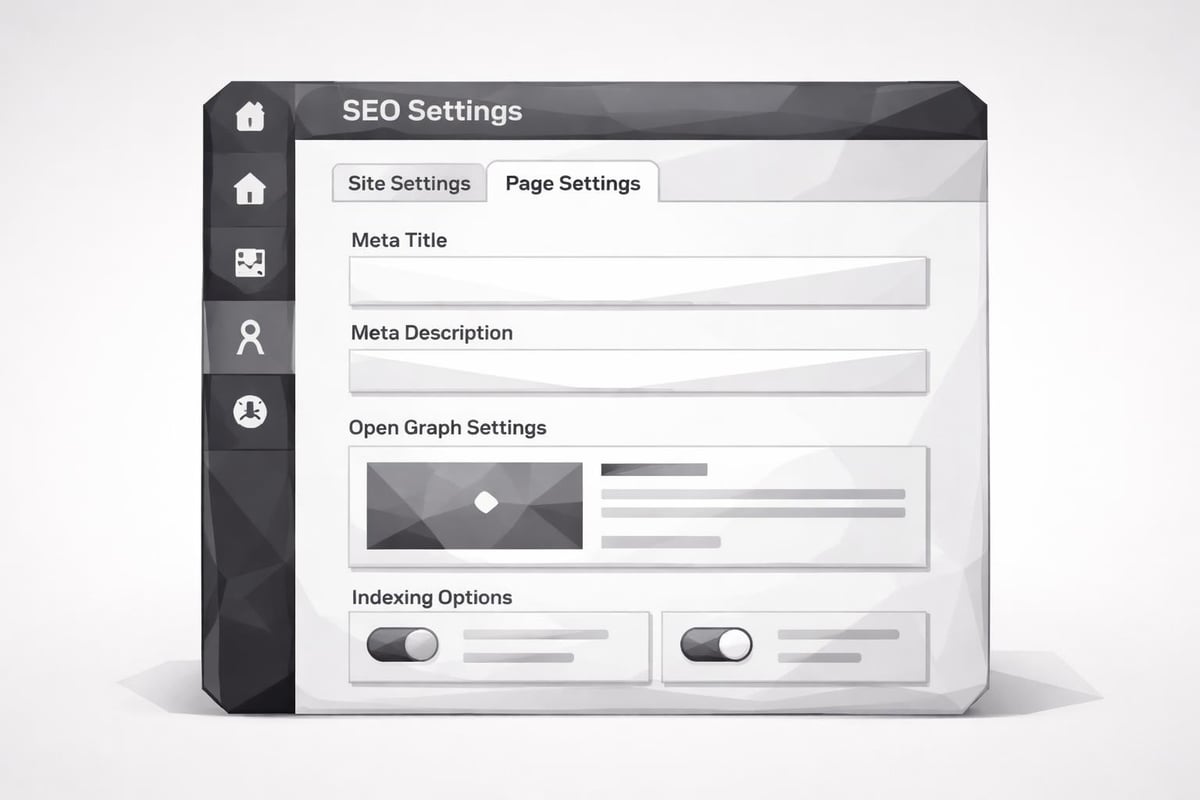
Webflow offers comprehensive SEO settings at both the site and page levels. These settings allow you to control how search engines interact with your content without requiring technical expertise or custom code.
Site-level settings include:
- Global meta descriptions and titles
- Open Graph settings for social sharing
- Favicon configuration
- Custom code injection in the head and body tags
- SSL certificate management
- 301 redirect setup
Page-level settings provide:
- Individual page titles and meta descriptions
- Custom Open Graph images
- URL slug customization
- Indexing controls (index/noindex)
- Canonical URL specification
Optimizing Site Structure for Search Engines
A well-organized site structure helps search engines understand your content hierarchy and improves user navigation. Webflow makes it easy to create logical site architectures that benefit both users and search engines.
URL Structure Best Practices
Clean, descriptive URLs significantly impact your webflow seo performance. Webflow automatically generates URLs based on your page names, but you should customize them to include relevant keywords and maintain readability. Following proper URL structuring practices ensures search engines and users can easily understand your page content before clicking.
Effective URL strategies:
- Keep URLs short and descriptive (under 60 characters when possible)
- Include primary keywords naturally
- Use hyphens to separate words
- Avoid special characters and unnecessary parameters
- Maintain consistent URL patterns across your site
- Create logical folder structures for content categories
Internal Linking Architecture
Internal links distribute page authority throughout your site and help search engines discover new content. Strategic internal linking creates pathways that guide both users and search engine crawlers through your most important pages.
| Internal Linking Element | SEO Benefit | Implementation Tip |
|---|---|---|
| Navigation menus | Establishes site hierarchy | Limit to 7-9 main items |
| Breadcrumbs | Shows content relationships | Enable on all deep pages |
| Contextual links | Distributes authority | Link to relevant content |
| Footer links | Provides additional navigation | Include important pages |
Developing a strong internal linking strategy is similar to how you'd approach organic SEO fundamentals, creating natural pathways through your content ecosystem.
Technical Performance Optimization
Page speed and technical performance directly influence search rankings. Google considers Core Web Vitals as ranking factors, making performance optimization essential for webflow seo success.
Image Optimization Strategies
Images often constitute the largest files on web pages, making them critical optimization targets. Webflow provides built-in image optimization features, but you need to implement best practices to maximize their effectiveness.
Optimize images by:
- Compressing files before uploading (aim for under 100KB)
- Using appropriate formats (WebP for modern browsers, JPEG for photos, PNG for graphics)
- Implementing responsive images with srcset attributes
- Adding descriptive alt text for accessibility and SEO
- Lazy loading images below the fold
- Setting explicit width and height attributes
Code Minification and Asset Management
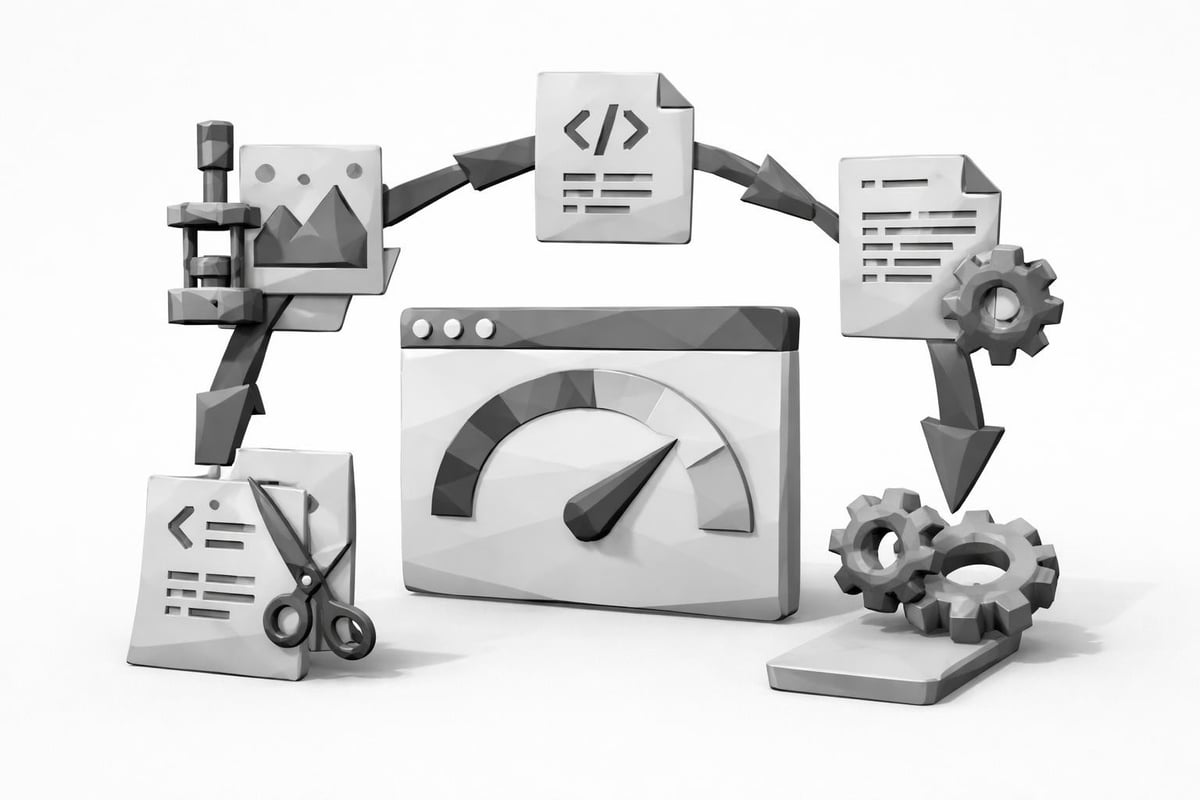
Webflow automatically minifies CSS and JavaScript, reducing file sizes and improving load times. However, you can further enhance performance through careful asset management. The platform's site-level SEO optimization capabilities include options for managing third-party scripts and controlling when assets load.
Performance optimization checklist:
- Remove unused custom code and scripts
- Defer non-critical JavaScript
- Limit the number of third-party integrations
- Use system fonts or limit custom font variations
- Enable browser caching through hosting settings
- Minimize the use of heavy animations on mobile devices
Content Optimization for Webflow Sites
Creating high-quality, SEO-optimized content remains the cornerstone of successful search engine rankings. Webflow's CMS provides powerful tools for managing content at scale while maintaining SEO best practices.
On-Page SEO Elements
Each page on your Webflow site should target specific keywords and provide comprehensive information on its topic. Proper on-page optimization ensures search engines understand your content's relevance and value.
Essential on-page elements include:
- Title tags that include primary keywords within the first 60 characters
- Meta descriptions that compel clicks while incorporating target keywords
- Header tags (H1, H2, H3) that create logical content hierarchy
- Body content that thoroughly addresses user intent and search queries
- Image alt attributes that describe visual content for accessibility and SEO
- Schema markup that provides structured data to search engines
Blog Content Strategy
Webflow's CMS makes it ideal for publishing blog content regularly. Implementing blog SEO best practices helps you attract consistent organic traffic and establish topical authority in your niche.
For businesses looking to scale content production efficiently, automation tools can complement your Webflow setup. RankPill helps businesses streamline their content creation process by automatically researching keywords, writing optimized articles, and even publishing directly to Webflow sites. This integration allows you to maintain a consistent publishing schedule without sacrificing quality or SEO effectiveness.
Content Depth and Quality
Search engines increasingly favor comprehensive content that thoroughly addresses user queries. Aim for in-depth articles that provide genuine value rather than thin content targeting specific keywords.
| Content Type | Recommended Length | Primary Goal |
|---|---|---|
| Blog posts | 1,500-2,500 words | Answer specific questions |
| Service pages | 800-1,500 words | Explain offerings clearly |
| Product pages | 500-1,000 words | Convert interested visitors |
| Landing pages | 1,000-2,000 words | Target specific keywords |
When creating content for your Webflow site, consider how AI-powered SEO tools can help you identify content gaps and opportunities while maintaining the human touch that resonates with readers.
Advanced Webflow SEO Techniques
Beyond basic optimization, advanced techniques can give your Webflow site a competitive edge in search results. These strategies require more technical knowledge but deliver significant ranking improvements.
Schema Markup Implementation
Structured data helps search engines understand your content context and can enable rich snippets in search results. Webflow allows you to add custom code to implement schema markup throughout your site.
Common schema types for Webflow sites:
- Organization schema for brand information
- Article schema for blog posts
- Product schema for e-commerce listings
- LocalBusiness schema for location-based services
- FAQ schema for question-and-answer content
- Review schema for testimonials and ratings
You can add schema markup through Webflow's custom code sections in page settings or use third-party tools that generate the necessary JSON-LD code. This approach aligns with broader SEO automation strategies that reduce manual technical work.
International SEO Considerations
If you're targeting multiple countries or languages, Webflow provides the flexibility to implement international SEO best practices. You can create separate subdirectories or subdomains for different regions and implement hreflang tags to specify language and regional targeting.
International SEO setup steps:
- Determine your international structure (subdirectories vs. subdomains)
- Create localized content for each target market
- Implement hreflang annotations in custom code
- Configure regional targeting in Google Search Console
- Build location-specific backlinks
- Consider cultural differences in keyword research
Webflow SEO for Different Business Models
Different business types require tailored SEO approaches on Webflow. Understanding your specific needs helps you prioritize the most impactful optimization efforts.
SaaS Company SEO
Software-as-a-Service companies using Webflow face unique SEO challenges and opportunities. SaaS SEO strategies often focus on educating prospects, demonstrating product value, and optimizing for bottom-of-funnel keywords.
SaaS-specific webflow seo tactics:
- Create comprehensive product documentation
- Develop comparison pages targeting competitor keywords
- Build use case studies and success stories
- Optimize for answer engine results (ChatGPT, Perplexity)
- Implement free tools or calculators to attract links
- Target long-tail keywords with specific feature questions
The evolution toward AI search means optimizing for ChatGPT recommendations becomes increasingly important for SaaS companies seeking visibility beyond traditional search engines.
E-commerce Optimization
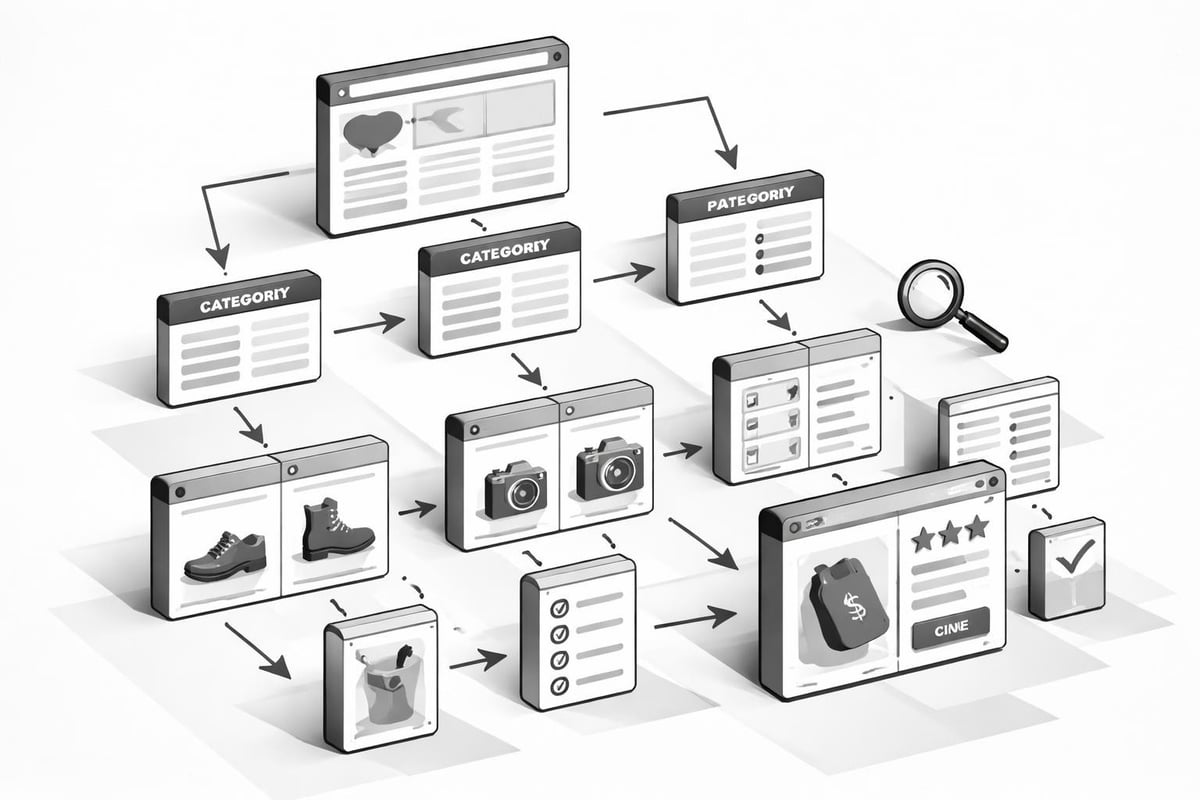
E-commerce sites built on Webflow need special attention to product page optimization, category structure, and technical elements like pagination and faceted navigation.
E-commerce SEO priorities:
- Write unique product descriptions for each item
- Optimize category pages with descriptive content
- Implement product schema markup
- Create buying guides and comparison content
- Manage duplicate content from product variations
- Build a content marketing strategy beyond product pages
Local Business SEO
Local businesses using Webflow should focus on geographic targeting and local search signals. This includes optimizing for "near me" searches and ensuring consistency across local directories.
Local SEO essentials:
- Add location-specific pages for multiple service areas
- Include NAP (Name, Address, Phone) consistently
- Embed Google Maps on contact pages
- Create location-based content and landing pages
- Optimize for local keywords and search intent
- Build citations in local directories
For small businesses managing their own SEO, understanding fundamental SEO principles provides the foundation for effective local optimization.
Monitoring and Improving Webflow SEO Performance
Successful webflow seo requires ongoing monitoring, testing, and refinement. Establishing measurement systems helps you identify what's working and where improvements are needed.
Essential SEO Metrics
Track these key performance indicators to measure your Webflow site's SEO success:
| Metric | What It Measures | Target |
|---|---|---|
| Organic traffic | Visitors from search engines | Month-over-month growth |
| Keyword rankings | Position for target terms | Top 10 for priority keywords |
| Click-through rate | Percentage who click from search | Above 3% average |
| Bounce rate | Single-page sessions | Below 60% |
| Page load time | Speed performance | Under 3 seconds |
| Core Web Vitals | User experience metrics | All "Good" ratings |
Using Analytics Tools
Google Analytics and Google Search Console provide invaluable insights into your Webflow site's performance. Regular analysis helps you understand user behavior and identify optimization opportunities.
Set up tracking for:
- Organic search traffic sources
- Top-performing pages and content
- User engagement metrics (time on page, pages per session)
- Conversion rates from organic traffic
- Search queries driving traffic
- Crawl errors and indexing issues
Modern SEO increasingly requires understanding how to increase website traffic through multiple channels while maintaining focus on sustainable organic growth.
Common Webflow SEO Mistakes to Avoid
Even experienced marketers make mistakes that can undermine their webflow seo efforts. Being aware of common pitfalls helps you avoid setbacks and maintain strong search performance.
Technical Mistakes
Prevent these technical errors:
- Publishing sites without removing the Webflow staging domain from indexing
- Failing to set up 301 redirects when changing URLs
- Ignoring image optimization and alt text
- Overloading pages with unnecessary custom code
- Not configuring proper canonical URLs
- Leaving duplicate content from CMS template pages
The best practices outlined by SEO experts emphasize the importance of getting technical fundamentals right from the start.
Content and Strategy Mistakes
Avoid these content pitfalls:
- Creating thin content that doesn't satisfy user intent
- Keyword stuffing in titles and body content
- Neglecting mobile user experience
- Ignoring internal linking opportunities
- Publishing inconsistently or abandoning content creation
- Copying content from other sources without adding value
Understanding what constitutes effective SEO in 2026 helps you stay ahead of algorithm updates and changing best practices.
Scaling Your Webflow SEO Efforts
As your Webflow site grows, you'll need systems and processes to maintain SEO quality across hundreds or thousands of pages. Scaling effectively requires both strategic planning and the right tools.
Creating SEO Templates
Webflow's CMS allows you to create templates that automatically apply SEO best practices to new content. Set up collection templates with proper heading structures, schema markup, and meta tag fields to ensure consistency.
Template elements to standardize:
- Title tag formulas using dynamic fields
- Meta description templates
- Header tag hierarchy
- Internal linking patterns
- Schema markup implementation
- Image sizing and optimization
Automation Opportunities
Modern SEO increasingly relies on automation to handle repetitive tasks and maintain consistency. While Webflow handles many technical aspects automatically, content creation and keyword research still require significant manual effort for most teams.
Automatable SEO tasks:
- Keyword research and competitor analysis
- Content outline generation
- Meta tag optimization
- Internal link suggestions
- Performance monitoring and reporting
- Sitemap updates
By leveraging the best AI SEO software, you can maintain high content quality while dramatically reducing the time investment required for SEO success.
Integrating Webflow with Other SEO Tools
Webflow works well with third-party SEO tools and platforms, allowing you to build a comprehensive optimization ecosystem. Strategic integrations expand your capabilities beyond Webflow's native features.
Essential Tool Categories
SEO tool stack components:
- Keyword research platforms for identifying opportunities (Ahrefs, SEMrush, Moz)
- Analytics tools for tracking performance (Google Analytics, Google Search Console)
- Rank tracking software for monitoring keyword positions
- Technical SEO auditors for identifying issues (Screaming Frog, Sitebulb)
- Content optimization tools for improving on-page elements
- Backlink analysis platforms for link building
Understanding how to build quality backlinks complements your on-site Webflow optimization efforts and helps you compete in competitive niches.
Webflow CMS API Integration
For advanced users, Webflow's CMS API enables powerful integrations with external tools and workflows. You can automate content publishing, sync data with other platforms, and build custom SEO tools that leverage Webflow's content management capabilities.
API use cases include:
- Automated content publishing from external sources
- Dynamic content updates based on external data
- Custom SEO dashboards pulling Webflow site data
- Bulk content operations and migrations
- Integration with marketing automation platforms
The ability to automate SEO processes through API connections makes Webflow particularly powerful for businesses managing multiple sites or publishing large volumes of content.
Future-Proofing Your Webflow SEO Strategy
Search engine optimization continues to evolve rapidly, with AI, voice search, and changing user behaviors reshaping best practices. Building flexibility into your webflow seo strategy ensures long-term success regardless of how search engines change.
Preparing for AI Search
Traditional search engines are no longer the only discovery channel that matters. AI chatbots and answer engines like ChatGPT, Perplexity, and Google's AI Overviews increasingly influence how users find information.
Optimize for AI search by:
- Creating comprehensive, authoritative content on your topics
- Using natural language that answers specific questions
- Implementing structured data to help AI understand your content
- Building topical authority through content clusters
- Focusing on entity optimization and brand mentions
The shift toward generative engine optimization represents a fundamental change in how businesses should approach visibility in search results.
Maintaining Flexibility
Rather than optimizing for specific algorithm quirks, focus on fundamentals that will remain valuable regardless of technical changes: user experience, content quality, and topical authority.
Future-proof strategies include:
- Prioritizing user intent over keyword density
- Building genuine expertise and authority
- Creating diverse content formats (text, video, interactive)
- Focusing on brand building beyond search traffic
- Maintaining technical excellence and site performance
- Developing owned audiences through email and social
Mastering webflow seo requires understanding both the platform's unique capabilities and fundamental search engine optimization principles. By implementing the technical optimizations, content strategies, and monitoring systems outlined in this guide, you can build a Webflow site that attracts consistent organic traffic and achieves sustainable search rankings. Whether you're managing SEO manually or leveraging automation, RankPill can help you scale your content creation efforts while maintaining the quality and optimization that drives real results. Start optimizing your Webflow site today to capture the organic traffic your business deserves.