Webflow SEO Guide: Optimize Your Site for Rankings

Modest Mitkus · May 21, 2026
Webflow has emerged as one of the most powerful website builders for businesses seeking design freedom without sacrificing SEO performance. This webflow seo guide walks you through everything needed to optimize your Webflow site for search engines in 2026, from technical foundations to advanced automation strategies. Whether you're launching a new site or improving an existing one, understanding Webflow's SEO capabilities ensures your content reaches the right audience and drives consistent organic traffic.
Understanding Webflow's SEO Architecture
Webflow provides a robust foundation for search engine optimization through its clean code structure and built-in SEO controls. Unlike page builders that add bloated code, Webflow generates semantic HTML5 markup that search engines can easily crawl and index. This fundamental advantage means your site starts with a technical edge over competitors using legacy platforms.
The platform's visual editor connects directly to the underlying code, allowing you to modify meta tags, alt text, and heading structures without touching a single line of HTML. This accessibility makes Webflow an excellent choice for teams without dedicated developers, while still maintaining the technical precision that SEO demands.
Core SEO Features Built Into Webflow
Webflow includes several native features that support optimization efforts right out of the box:
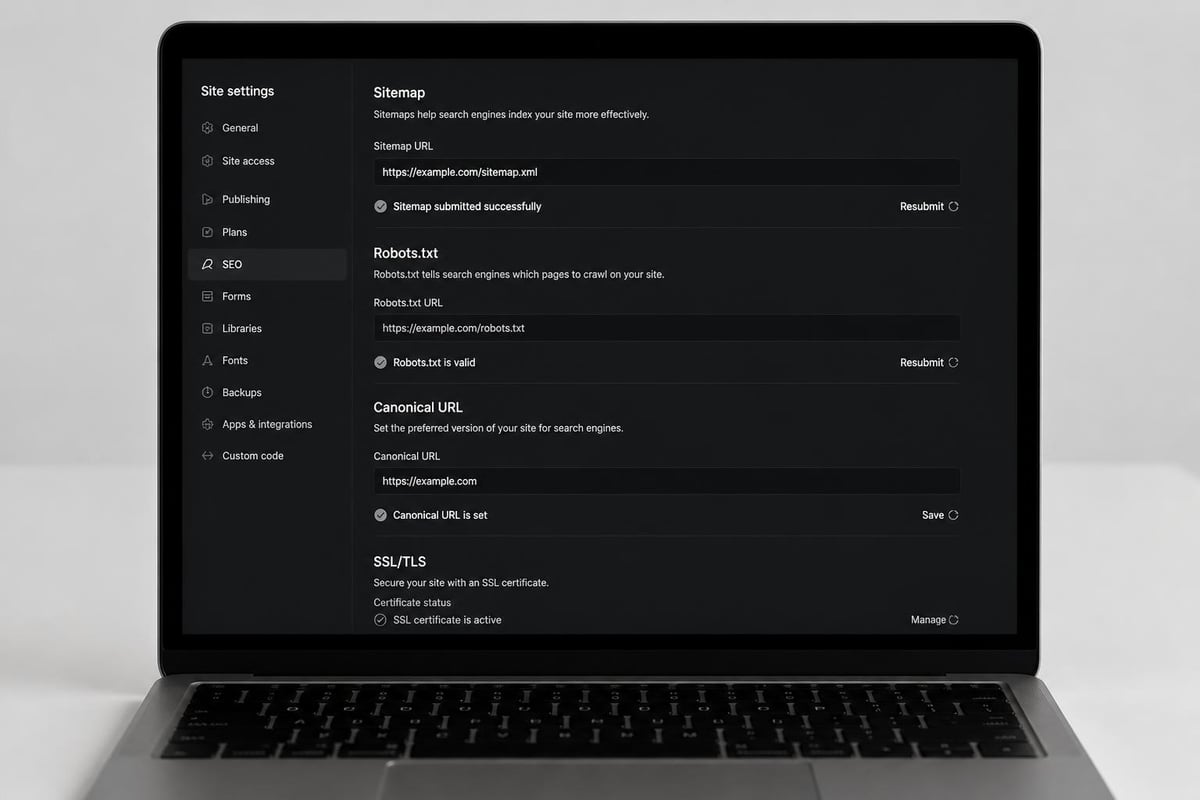
- Automatic XML sitemap generation that updates whenever you publish new content
- SSL certificates included on all hosting plans for HTTPS security
- Responsive design controls ensuring mobile-friendly experiences across devices
- Clean URL structures with customizable slugs for every page
- 301 redirect management for preserving link equity during site changes
- Meta title and description fields accessible through the page settings panel
These built-in capabilities reduce the need for third-party plugins, which often slow down sites and create security vulnerabilities. The comprehensive SEO checklist from Webflow University provides additional detail on leveraging these native features effectively.
Technical SEO Setup for Webflow Sites
Technical optimization forms the foundation of any successful webflow seo guide. Proper configuration ensures search engines can discover, crawl, and index your content efficiently while delivering fast page experiences to visitors.
Site Structure and URL Hierarchy
Organizing your Webflow site with a logical hierarchy helps both users and search engines understand your content relationships. Start by planning your main navigation categories, then build subcategories that naturally flow from those primary sections.
URL structure should reflect this hierarchy while remaining concise and descriptive. Avoid creating URLs more than three levels deep (domain.com/category/subcategory/page) when possible, as deeper nesting can dilute page authority and complicate crawling.
| URL Structure Element | Best Practice | Example |
|---|---|---|
| Length | Keep under 60 characters | /services/seo-consulting |
| Keywords | Include primary keyword | /blog/webflow-seo-tips |
| Separators | Use hyphens, not underscores | /web-design (not web_design) |
| Case | Always use lowercase | /contact-us (not Contact-Us) |
Configuring Core Web Vitals Performance
Google's Core Web Vitals measure real-world user experience through metrics like page load speed, interactivity, and visual stability. Webflow sites perform well by default, but optimization requires attention to image sizes, custom code, and third-party scripts.
Compress images before uploading them to Webflow, targeting file sizes under 200KB for full-width images. Use Webflow's responsive image settings to serve appropriately sized versions to different devices. This single change often improves Largest Contentful Paint (LCP) scores dramatically.
Minimize custom code in the project settings and page-specific embeds. Each external script adds network requests and processing time, potentially degrading Time to Interactive (TFI) scores. Audit your custom code quarterly and remove unused tracking pixels or abandoned experiments.
The Webflow SEO guide from Clear Brand offers additional performance optimization strategies specific to the platform's architecture.
On-Page SEO Optimization Techniques
On-page optimization transforms technically sound pages into content that ranks for target keywords and satisfies search intent. This section of our webflow seo guide focuses on the elements you control directly within each page.
Crafting Effective Title Tags and Meta Descriptions
Title tags remain one of the most influential on-page ranking factors. Webflow allows you to set unique titles for every page through the page settings panel, separating the display title (H1) from the SEO title that appears in search results.
Effective title tags follow this formula:
- Primary keyword placement within the first 60 characters
- Brand name inclusion when space allows (typically at the end)
- Compelling language that encourages clicks without being clickbait
- Unique titles across every page to avoid duplicate content issues
Meta descriptions don't directly impact rankings but significantly influence click-through rates. Write descriptions between 140-155 characters that summarize the page's value proposition and include your primary keyword naturally. Webflow's meta description field appears just below the title tag in page settings.
Header Tag Hierarchy and Content Structure
Proper heading structure helps search engines understand your content organization while improving accessibility for screen readers. Every Webflow page should have exactly one H1 tag, typically the page title, followed by H2 and H3 tags that create logical content sections.
Structure your content like an outline:
- H1: Main page topic (one per page)
- H2: Major sections within the content
- H3: Subsections under H2 headings
- H4-H6: Rarely needed, but available for complex hierarchies
Webflow's style panel makes it easy to maintain consistent heading styles across your site while ensuring the underlying HTML uses proper semantic tags. According to Edition Group's comprehensive guide, maintaining strict heading hierarchy contributes significantly to both SEO performance and user experience.
Image Optimization and Alt Text Strategy
Images enhance user engagement but can devastate page speed if not optimized properly. This balance makes image optimization a critical component of any webflow seo guide.
Before uploading images to Webflow, compress them using tools that maintain visual quality while reducing file size. Target these specifications:
| Image Type | Max File Size | Recommended Format | Typical Use Case |
|---|---|---|---|
| Hero Images | 200-300KB | WebP or JPEG | Full-width banners |
| Product Photos | 100-150KB | WebP or JPEG | E-commerce galleries |
| Icons | 20-50KB | SVG or PNG | Interface elements |
| Thumbnails | 30-50KB | WebP or JPEG | Blog listings |
Every image in Webflow should include descriptive alt text through the image settings panel. Write alt text that describes the image content for visually impaired users while naturally incorporating relevant keywords when appropriate. Avoid keyword stuffing or using alt text like "image1234" that provides no value.
Webflow CMS and Dynamic SEO
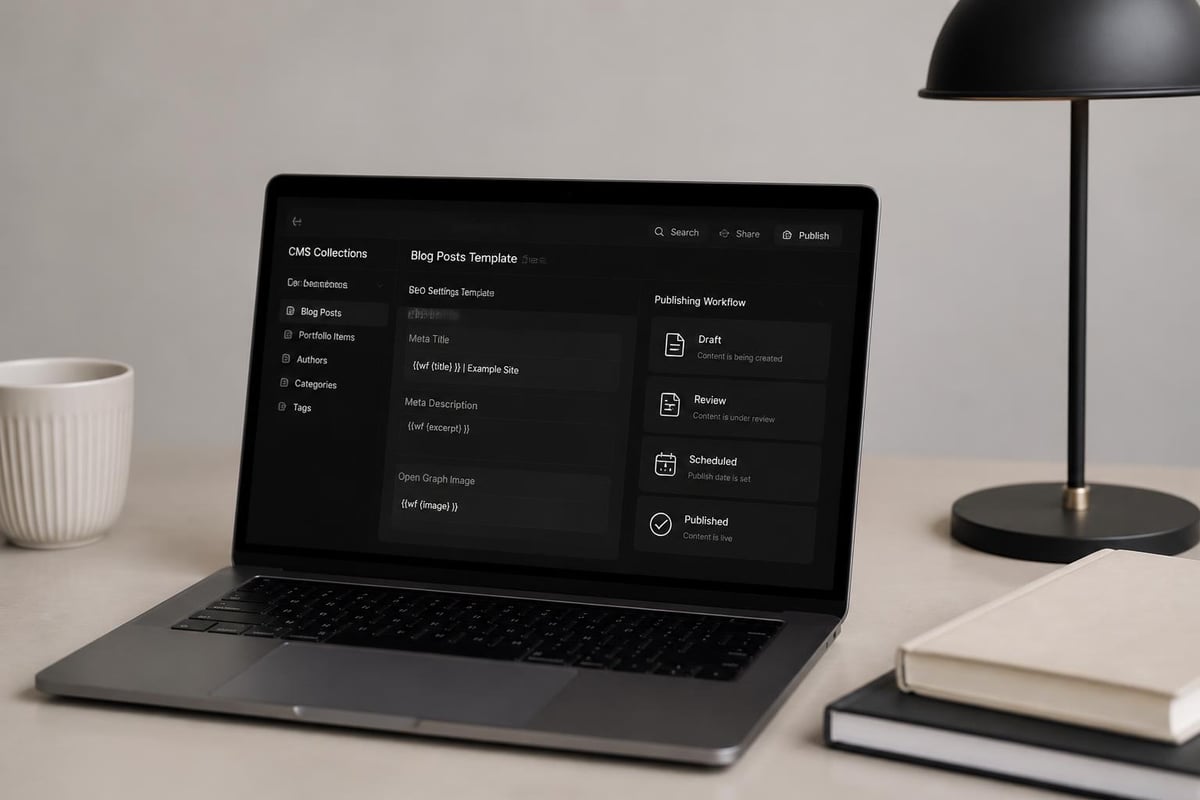
The Webflow CMS (Content Management System) allows you to create dynamic content collections like blog posts, product catalogs, or team member profiles. Optimizing these collections requires understanding how to template SEO elements for scalability.
Setting Up Collection SEO Fields
When creating a CMS collection, include dedicated fields for SEO elements beyond the standard title and body text. Essential fields include:
- SEO Title (plain text, 60 characters)
- Meta Description (plain text, 155 characters)
- Featured Image (image field with alt text)
- Canonical URL (if needed for syndicated content)
- Author/Date information (for E-E-A-T signals)
These fields allow content creators to customize SEO elements for each collection item without accessing page settings. Template these fields into your collection page design using Webflow's dynamic field bindings, ensuring every blog post or product page has unique, optimized metadata.
Creating SEO-Friendly Blog Structures
Blog content drives organic traffic for most businesses using Webflow. Structure your blog collection and templates to maximize SEO performance while maintaining publishing efficiency.
Set up your blog collection with these required fields:
- Post title (H1 tag on the post template)
- Post slug (auto-generated from title, editable for optimization)
- Main content (rich text field for body content)
- Category (reference to category collection)
- Featured image (with required alt text)
- Publish date (used for freshness signals)
The step-by-step Webflow SEO checklist provides detailed guidance on structuring CMS collections for maximum organic visibility. When your SEO workflow becomes time-intensive, SEO automation platforms can handle the repetitive tasks of keyword research, content optimization, and publishing schedules.
Advanced Webflow SEO Strategies
Moving beyond foundational optimization, advanced strategies help Webflow sites compete in competitive niches and capture featured snippets, local rankings, and specialized search opportunities.
Implementing Schema Markup
Schema markup helps search engines understand your content context, potentially earning rich snippets in search results. Webflow doesn't include a native schema builder, but you can add structured data through custom code embeds.
Common schema types for Webflow sites include:
- Organization schema: Add to your homepage to define your business entity
- Article schema: Apply to blog posts for enhanced search listings
- Product schema: Include on e-commerce pages for price and availability information
- LocalBusiness schema: Essential for location-based businesses
- FAQ schema: Helps content appear in question-based searches
Add schema markup by placing JSON-LD code in the page's custom code section (before closing head tag). Validate your implementation using Google's Rich Results Test to ensure proper formatting.
International SEO and Language Targeting
For businesses serving multiple regions or languages, Webflow supports international SEO through proper hreflang implementation and content localization strategies. While Webflow doesn't automatically generate hreflang tags, you can add them through custom code.
Create separate pages or folder structures for each language version:
- /en/about-us (English version)
- /es/sobre-nosotros (Spanish version)
- /fr/a-propos (French version)
Add hreflang tags in each page's custom code section, specifying the language and region codes. This tells search engines which version to serve based on user location and language preferences. For businesses managing multi-language content at scale, automation becomes essential to maintain consistency across all versions.
Content Optimization for Webflow Sites
Publishing high-quality, optimized content separates sites that rank from those that languish on page three of search results. This portion of our webflow seo guide focuses on creating content that satisfies both search engines and human readers.
Keyword Research and Content Planning
Effective SEO starts with understanding what your audience searches for and creating content that matches that intent. Begin by identifying primary keywords for each page, then develop supporting content around related long-tail variations.
Content planning workflow:
- Identify core topics relevant to your business or audience
- Research primary keywords with meaningful search volume and manageable competition
- Map keywords to pages ensuring each page targets a unique primary keyword
- Create supporting content targeting related long-tail variations
- Build internal links connecting related content pieces
Automation tools can accelerate this research phase significantly. Platforms focused on AI and SEO can identify content gaps and suggest topics based on competitor analysis and search trends.
Writing Content That Ranks
Search engines have become sophisticated at understanding content quality, relevance, and user satisfaction. Writing for SEO in 2026 means creating genuinely helpful content rather than keyword-stuffed pages designed to game algorithms.
Follow these content creation principles:
- Match search intent by understanding whether users want information, products, or solutions
- Provide comprehensive coverage of topics without unnecessary fluff
- Use natural language that incorporates keywords contextually rather than forcing repetition
- Include multimedia elements like images, videos, and tables to enhance engagement
- Update content regularly to maintain freshness and accuracy
Structure long-form content with clear sections, bullet points, and tables that make information scannable. Most users skim content before committing to deep reading, so visual hierarchy matters tremendously. Resources like GenSEO's 2026 Webflow guide emphasize the importance of user-focused content design.
Internal Linking Strategy
Internal links distribute page authority throughout your site while helping visitors discover related content. Develop a systematic internal linking approach that connects related pages and establishes topical authority clusters.
Best practices for Webflow internal linking:
- Link from high-authority pages to new content that needs ranking boosts
- Use descriptive anchor text that indicates the destination page's topic
- Maintain reasonable link density (2-5 internal links per 1,000 words)
- Create topic clusters by linking pillar content to supporting articles
- Update old content to include links to newer, related pages
Webflow's link element makes adding internal links straightforward. Select text, click the link icon, and choose from your site's pages. Avoid generic anchor text like "click here" in favor of descriptive phrases that include relevant keywords.
Monitoring and Maintaining SEO Performance
Optimization isn't a one-time task but an ongoing process of monitoring performance, identifying opportunities, and refining strategies. This final section of our webflow seo guide covers measurement and continuous improvement.
Essential SEO Metrics to Track
Focus on metrics that directly correlate with business outcomes rather than vanity numbers that look impressive but don't drive results.
| Metric | What It Measures | Target Direction |
|---|---|---|
| Organic Traffic | Visitors from search engines | Increasing trend |
| Keyword Rankings | Position for target keywords | Moving toward top 3 |
| Click-Through Rate | Percentage of impressions that click | Above 3% average |
| Bounce Rate | Visitors who leave immediately | Below 50% |
| Page Load Speed | Time to interactive content | Under 2.5 seconds |
| Conversion Rate | Visitors who complete goals | Industry-dependent |
Set up Google Analytics and Google Search Console for your Webflow site through the project settings panel. These free tools provide the fundamental data needed to track performance and identify issues before they impact rankings significantly.
Regular SEO Maintenance Tasks
Maintaining strong search performance requires consistent attention to technical health, content freshness, and competitive positioning. Establish a maintenance schedule that addresses these priorities:
Monthly tasks:
- Review Google Search Console for crawl errors and index coverage issues
- Check Core Web Vitals performance in PageSpeed Insights
- Analyze top-performing content and identify update opportunities
- Monitor keyword rankings for target terms
- Review and update meta descriptions for underperforming pages
Quarterly tasks:
- Conduct comprehensive technical SEO audit using tools like Screaming Frog
- Update outdated statistics, examples, or information in existing content
- Refresh old blog posts with new sections and improved optimization
- Review and update internal linking structure
- Analyze competitor strategies and identify content gaps
The complete Webflow SEO guide from Build with Simon offers detailed checklists for maintaining long-term performance.
Scaling SEO Efforts with Automation
As your Webflow site grows, manual optimization becomes increasingly time-consuming. Automation tools help maintain consistency while freeing your team to focus on strategy and high-value content creation.
Consider automating these repetitive SEO tasks:
- Keyword research to identify new content opportunities continuously
- Content creation for data-driven or templated articles
- Meta tag optimization based on performance data
- Internal linking suggestions based on topical relevance
- Performance reporting with automated dashboards and alerts
Modern auto SEO tools can handle many optimization tasks that previously required hours of manual work. This automation allows small teams to compete with larger competitors who have dedicated SEO departments.
Webflow SEO for E-Commerce Sites
E-commerce sites built on Webflow face unique optimization challenges around product pages, category structures, and transactional search intent. Understanding these nuances ensures your online store captures high-intent shoppers.
Product Page Optimization
Each product page should target specific product-related keywords while providing comprehensive information that helps buyers make purchase decisions. Structure product pages with these SEO elements:
- Unique product titles that include brand, model, and key features
- Detailed descriptions (minimum 300 words) covering features, benefits, and use cases
- High-quality images with descriptive alt text mentioning the product name
- Customer reviews that add fresh, user-generated content
- Technical specifications in structured formats (tables or lists)
Avoid manufacturer-provided descriptions that appear on dozens of competitor sites. Write original content for each product, or at minimum, substantially modify generic descriptions to create unique value.
Category Page Strategy
Category pages often have higher ranking potential than individual product pages because they target broader, higher-volume keywords. Optimize category pages by including:
- Introductory content (150-300 words) explaining the category and key considerations
- Filtered navigation allowing users to refine by attributes like price, size, or brand
- Featured products highlighting bestsellers or new arrivals
- FAQ sections addressing common questions about the product category
- Related category links creating a logical site hierarchy
According to Heymate's Webflow SEO checklist, properly optimized category pages often outrank product pages for competitive search terms.
Webflow vs. Other Platforms for SEO
Understanding how Webflow compares to alternatives helps you maximize its strengths while working around any limitations. While platforms like WordPress offer more plugins, Webflow's cleaner code and visual development environment provide distinct advantages.
Webflow's SEO Advantages
Webflow excels in areas that matter most for modern SEO:
- Clean code output without plugin bloat or unnecessary markup
- Built-in responsive design ensuring mobile-friendliness without additional work
- Fast hosting infrastructure with CDN included on all plans
- Version control allowing you to revert changes if optimization experiments fail
- Visual development enabling rapid testing of layout changes
These advantages make Webflow particularly strong for businesses prioritizing design quality alongside search performance. TechRadar's Webflow review highlights how the platform balances creative control with technical optimization.
Working Around Limitations
Webflow does have some constraints compared to open-source platforms:
- No native schema builder (requires custom code for structured data)
- Limited server-side customization compared to WordPress or custom development
- CMS collection limits on lower-tier plans may constrain large content sites
- Redirect limits requiring careful management on large migrations
Most of these limitations have workarounds through custom code or third-party integrations. For businesses focused on growing organic traffic through consistent content publishing, connecting Webflow to external automation platforms bridges these gaps effectively.
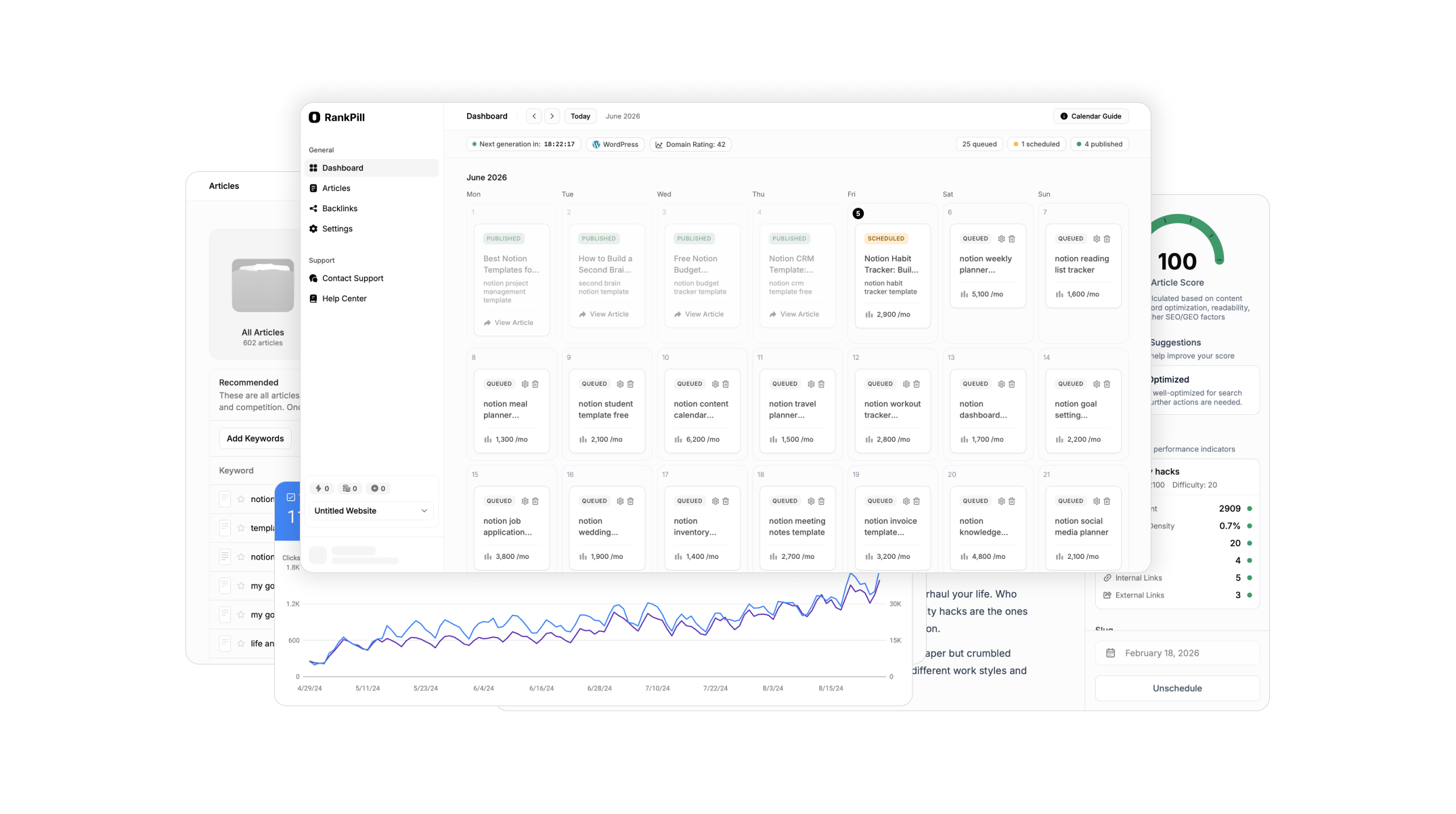
Mastering Webflow SEO requires attention to technical foundations, on-page optimization, and consistent content creation that matches search intent. This webflow seo guide has covered the essential strategies for building search visibility, from initial site configuration through advanced schema implementation and ongoing performance monitoring. When manual optimization becomes overwhelming, RankPill automates the entire SEO workflow with daily keyword research, optimized content creation, and automated publishing directly to your Webflow site, letting you focus on running your business while organic traffic grows on autopilot.
Unlock Traffic on Autopilot
Grow organic traffic on autopilot. RankPill will research, write, optimize, and publish articles to your website daily.