
WordPress SEO Advice: Expert Tips for 2026 Rankings

Modest Mitkus
March 23, 2026
WordPress powers over 43% of all websites globally, making it the most popular content management system in 2026. Yet simply using WordPress doesn't guarantee search engine visibility. The platform's flexibility is both its greatest strength and potential weakness when it comes to SEO. Without proper optimization, even beautifully designed WordPress sites can languish on page three of search results. This comprehensive wordpress seo advice will guide you through the essential strategies, technical optimizations, and content practices that separate high-ranking sites from the rest.
Understanding WordPress SEO Fundamentals
WordPress provides a solid foundation for search engine optimization, but success requires understanding how the platform interacts with search algorithms. The core architecture of WordPress is inherently SEO-friendly, with clean code, semantic markup, and logical URL structures. However, these advantages only materialize when properly configured and maintained.
Site Structure and Permalink Configuration
Your permalink structure forms the backbone of your site's SEO architecture. WordPress offers several permalink options, but not all provide equal value for search rankings.
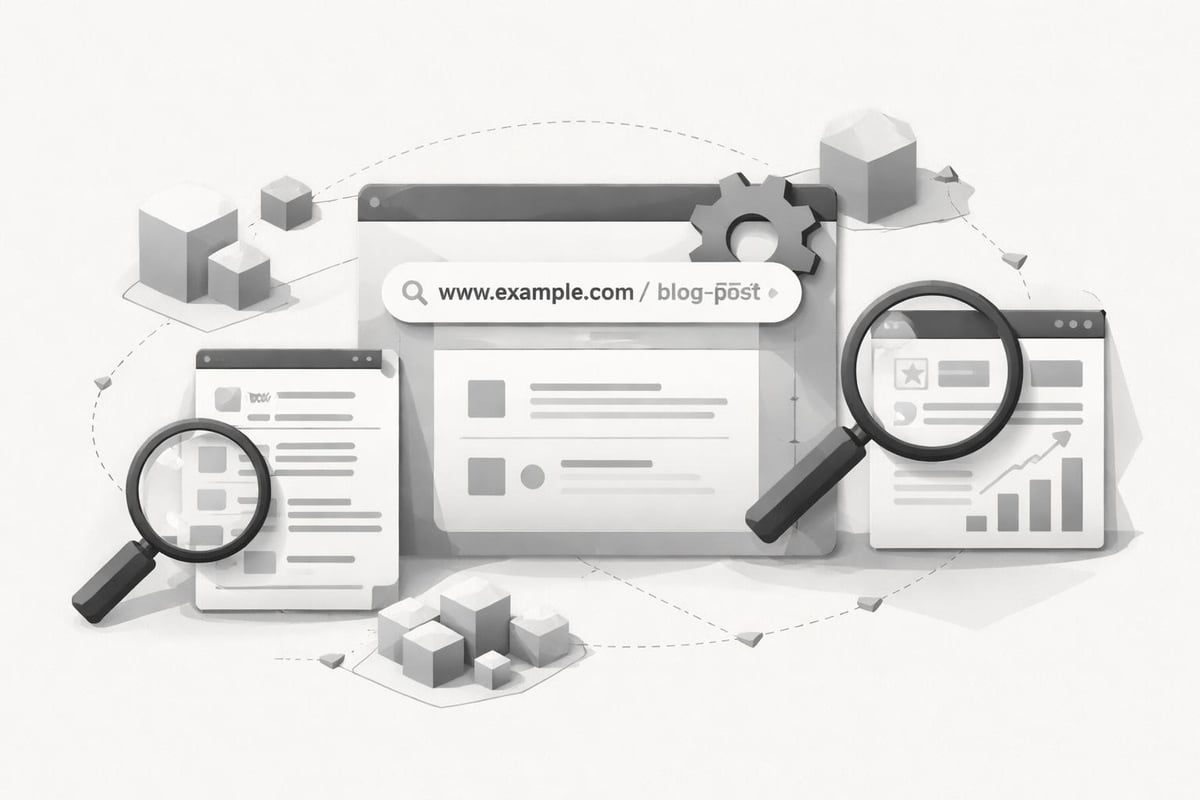
The most effective permalink structure includes your post name, creating URLs that are both readable and keyword-rich. Navigate to Settings > Permalinks and select the "Post name" option to implement this wordpress seo advice. This approach generates URLs like "yoursite.com/wordpress-seo-tips" instead of "yoursite.com/?p=123", making your content immediately understandable to both users and search engines.
Key permalink considerations:
- Avoid date-based structures that make content appear outdated
- Keep URLs short and descriptive with target keywords when natural
- Never change permalink structure after launch without proper redirects
- Remove unnecessary words like "and," "the," or "a" from slugs
Categories and Tags Strategy
WordPress taxonomy management directly influences how search engines understand your content relationships. Categories should represent broad topic areas, while tags identify specific details within those topics.
| Taxonomy Type | Purpose | SEO Impact | Best Practice |
|---|---|---|---|
| Categories | Broad content grouping | High - creates hierarchy | 5-10 main categories maximum |
| Tags | Specific topic markers | Medium - reduces duplicate content | Use sparingly, 3-5 per post |
| Archive Pages | Collection pages | Variable - can cause thin content | Optimize or noindex strategically |
Overusing tags creates duplicate content issues, as each tag generates its own archive page. Advanced WordPress SEO techniques recommend limiting tags and ensuring each taxonomy term has sufficient unique content to justify indexation.
Technical WordPress SEO Optimization
Technical SEO ensures search engines can efficiently crawl, understand, and index your WordPress site. These foundational elements often determine whether your content gets the visibility it deserves.
Core Web Vitals and Page Speed
Google's Core Web Vitals have become critical ranking factors in 2026. WordPress sites frequently struggle with performance due to bloated themes, excessive plugins, and unoptimized media files.
Essential speed optimization steps:
- Choose lightweight themes built for performance, not just aesthetics
- Implement caching through plugins like WP Rocket or W3 Total Cache
- Optimize images using compression and next-gen formats (WebP, AVIF)
- Minimize plugins by removing unused or redundant functionality
- Enable lazy loading for images and videos below the fold
- Use a Content Delivery Network to serve assets from geographically distributed servers
Page speed impacts both rankings and user experience. According to comprehensive SEO mastery guides, sites loading in under 2 seconds see significantly higher engagement and conversion rates than slower competitors.
Mobile Responsiveness and Indexing
Google's mobile-first indexing means the mobile version of your WordPress site determines your rankings. Every theme, plugin, and customization must deliver an excellent mobile experience.
Test your site using Google's Mobile-Friendly Test tool and address any usability issues. Responsive design frameworks ensure your content adapts seamlessly across devices without requiring separate mobile URLs.

XML Sitemaps and Robots.txt Configuration
XML sitemaps guide search engines to all your important content, while robots.txt prevents crawling of unnecessary pages. WordPress SEO plugins typically generate sitemaps automatically, but manual verification ensures accuracy.
Your sitemap should include:
- Published posts and pages
- Categories and tags with substantial content
- Custom post types relevant to your audience
Exclude from your sitemap:
- Admin pages and login areas
- Duplicate content or parameter-based URLs
- Thin archive pages without unique value
Content Optimization for WordPress
Quality content remains the cornerstone of successful SEO, but WordPress-specific optimization techniques amplify your content's discoverability and impact.
Strategic Keyword Implementation
Effective wordpress seo advice emphasizes natural keyword integration rather than forced repetition. Modern search algorithms prioritize semantic relevance and user intent over keyword density alone.
Place your primary keyword in:
- The post title (preferably near the beginning)
- The first paragraph naturally
- At least one subheading (H2 or H3)
- Image alt text where contextually appropriate
- Meta description for search snippet optimization
WordPress SEO tools built into the platform or added through plugins help identify optimization opportunities, but human judgment determines whether keyword placement feels natural or forced.
Header Tag Hierarchy
WordPress's block editor makes implementing proper header structure straightforward, yet many sites misuse heading tags. Search engines use headers to understand content organization and topical relationships.
Correct header implementation:
- H1: Reserved for post title (one per page)
- H2: Main section headings dividing major topics
- H3: Subsections within H2 sections
- H4-H6: Rarely needed except in extremely long, technical content
Never skip heading levels (jumping from H2 to H4) or use headers solely for styling purposes. Consistent hierarchy improves accessibility and SEO simultaneously.
Internal Linking Architecture
Strategic internal linking distributes authority throughout your WordPress site while helping visitors discover related content. This wordpress seo advice often gets overlooked despite its significant impact on rankings.
Link to relevant older posts from new content, creating a web of topical authority. Use descriptive anchor text that indicates the linked page's subject rather than generic phrases. For example, exploring AI-powered SEO platforms provides more value than "click here for more information."
Building organic SEO strategies requires consistent internal linking that guides both users and search algorithms through your content ecosystem.
WordPress SEO Plugins and Tools
While WordPress offers basic SEO capabilities natively, specialized plugins extend functionality and streamline optimization workflows.
Essential SEO Plugin Features
The right SEO plugin transforms WordPress into a comprehensive optimization platform. Leading options in 2026 provide:
- XML sitemap generation and management
- Meta title and description customization
- Schema markup implementation
- Breadcrumb navigation
- Social media preview optimization
- Content analysis and recommendations
Choose plugins that balance functionality with performance impact. Some comprehensive SEO plugins add significant overhead, slowing page loads despite their optimization features.
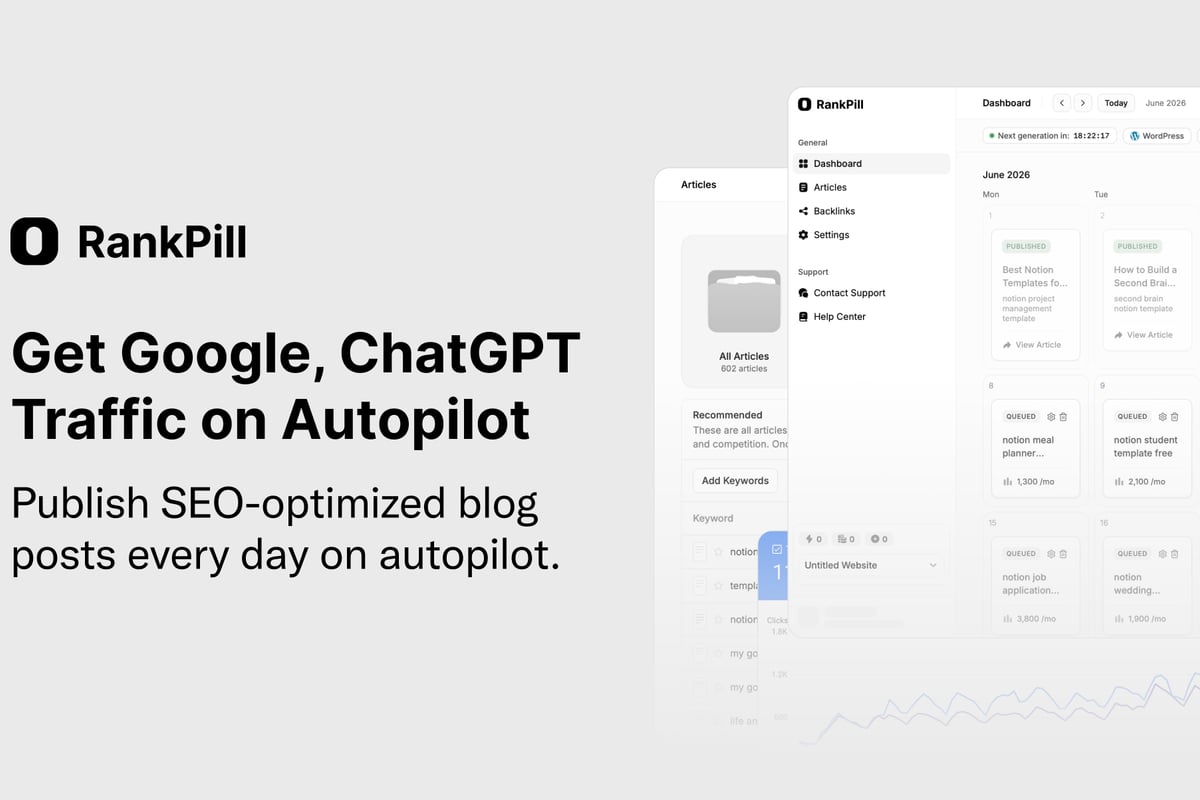
For businesses seeking to scale content production while maintaining SEO quality, automation becomes essential. RankPill leverages AI to handle the complete content creation workflow, from keyword research through publication, ensuring every article follows wordpress seo advice automatically. At just $3 per article compared to agency costs exceeding $5,000, the platform makes consistent, optimized content accessible to businesses of all sizes.
Keyword Research Integration
Understanding what your audience searches for drives effective content strategy. Top keyword research tools for 2026 integrate directly with WordPress, enabling data-driven content planning without leaving your dashboard.
Effective keyword research identifies:
- Search volume: How many people search for this term monthly
- Competition level: How difficult ranking will be
- User intent: What searchers want to accomplish
- Related questions: Additional topics to address within content
| Research Approach | Benefit | Implementation |
|---|---|---|
| Competitor analysis | Identify ranking gaps | Examine top-ranking content for target keywords |
| Question-based queries | Capture featured snippets | Target "how," "what," "why" search patterns |
| Long-tail keywords | Lower competition wins | Focus on specific, detailed search phrases |
| Trending topics | Capitalize on emerging interest | Monitor industry news and search trends |
Image and Media Optimization
Visual content enhances engagement but can devastate site performance without proper optimization. WordPress makes adding media simple, but effective wordpress seo advice requires strategic media management.
Image File Optimization
Every image should serve a purpose while minimizing file size. Compress images before uploading using tools like ShortPixel or Imagify, reducing file sizes by 50-80% without visible quality loss.
Image optimization checklist:
- Resize images to actual display dimensions before uploading
- Choose appropriate formats (JPEG for photos, PNG for graphics, WebP for modern browsers)
- Implement responsive images serving different sizes based on device
- Add descriptive, keyword-relevant alt text to every image
- Use descriptive file names before uploading (wordpress-seo-optimization.jpg vs. IMG_1234.jpg)
Alt text serves dual purposes: accessibility for screen readers and context for search engines. Describe the image content naturally, incorporating relevant keywords only when genuinely appropriate.
Video and Multimedia Considerations
Embedding videos directly into WordPress can slow pages considerably. Host videos on platforms like YouTube or Vimeo, then embed them into posts to leverage their CDN infrastructure while maintaining control over surrounding content.
Video thumbnails should be optimized images, and video content should be accompanied by text transcripts both for accessibility and to provide indexable content around the video embed.
Security and WordPress SEO
Site security directly impacts search rankings. Google actively demotes hacked sites and flags security issues in search results, making security an essential component of wordpress seo advice.
SSL Certificates and HTTPS
HTTPS has been a ranking factor since 2014, and by 2026, it's absolutely essential. WordPress sites without SSL certificates face ranking penalties and browser security warnings that devastate user trust.
Most hosting providers offer free SSL certificates through Let's Encrypt. Once installed, redirect all HTTP traffic to HTTPS through your .htaccess file or plugin configuration.
Regular Updates and Maintenance
Outdated WordPress core files, themes, and plugins create security vulnerabilities that hackers exploit. Beyond security risks, outdated software can cause compatibility issues affecting site performance and SEO.
Maintenance schedule recommendations:
- Weekly: Review and update plugins, check site performance
- Monthly: Update WordPress core, audit user accounts and permissions
- Quarterly: Review and remove unused plugins/themes, analyze SEO metrics
- Annually: Complete site audit addressing technical debt and optimization opportunities
Schema Markup and Structured Data
Schema markup helps search engines understand your content's context and meaning, enabling rich results in search listings. WordPress plugins simplify schema implementation, but strategic selection determines which markup delivers maximum value.
Common Schema Types for WordPress
Different content types benefit from specific schema markup. Article schema works for blog posts, while product schema suits e-commerce pages.
Implement schema for:
- Articles and blog posts (Article schema)
- Author information (Person schema)
- Reviews and ratings (Review schema)
- Events and announcements (Event schema)
- Local business information (LocalBusiness schema)
- FAQ sections (FAQPage schema)
FAQ schema particularly benefits WordPress sites, as it can trigger featured snippet results displaying your questions and answers directly in search results. Structure FAQ content using appropriate heading tags and clear question-answer formatting.
Local SEO for WordPress Sites
Businesses serving specific geographic areas need location-specific optimization strategies. WordPress provides excellent foundations for local SEO when properly configured.
Google Business Profile Integration
Connect your WordPress site to your Google Business Profile through consistent NAP (Name, Address, Phone) information. Display this information prominently in your footer or dedicated contact page.
Local schema markup signals your business location, service areas, and operating hours to search engines. Plugins can automate this implementation, ensuring consistent structured data across your site.
Location-Specific Content Strategy
Creating content around local topics, events, and community interests builds topical authority for geographic searches. Small businesses can leverage SEO strategies specifically designed for their scale, focusing on local relevance rather than competing nationally.
Location pages for multi-location businesses should feature unique content, not duplicated templates with only city names changed. Search engines recognize and penalize thin, duplicated local pages.
Measuring WordPress SEO Success
Implementing wordpress seo advice means nothing without measuring results and adjusting based on performance data. WordPress integrates seamlessly with analytics platforms, enabling comprehensive tracking.
Essential SEO Metrics
Track these key performance indicators to evaluate SEO progress:
| Metric | What It Measures | Target Trend |
|---|---|---|
| Organic traffic | Visitors from search engines | Steady increase |
| Keyword rankings | Position for target terms | Upward movement |
| Bounce rate | Percentage leaving after one page | Decrease over time |
| Average session duration | Time visitors spend on site | Increase indicating engagement |
| Pages per session | Content depth visitors explore | Increase showing relevance |
| Conversion rate | Percentage completing desired actions | Increase with qualified traffic |
Google Search Console provides invaluable data about how search engines view your WordPress site. Monitor crawl errors, indexing status, and search performance directly from Google's perspective.
A/B Testing and Iteration
SEO success requires continuous testing and refinement. Experiment with different title formulations, meta descriptions, content structures, and internal linking patterns to identify what drives best results for your specific audience.
Document changes and correlate them with traffic fluctuations. What works for one site may not work for another, making data-driven iteration essential. Understanding how to increase blog traffic through systematic testing and optimization creates sustainable growth.
Content Freshness and Update Strategies
Search engines favor recently updated content, making refresh strategies an important aspect of wordpress seo advice. WordPress's revision system tracks changes, but strategic updates deliver SEO value.
When to Update Existing Content
Not every post requires constant updates. Focus refresh efforts on:
- High-performing content that ranks on page two (positions 11-20)
- Outdated information containing incorrect data or obsolete references
- Seasonal content approaching relevant periods
- Cornerstone content representing key topics for your site
When updating, make substantial improvements rather than superficial changes. Add new sections, update statistics, incorporate recent developments, and improve formatting for better readability.
Content Pruning and Consolidation
Low-quality content dilutes your site's overall authority. Audit your content library annually, identifying thin, outdated, or poorly performing posts.
Options for underperforming content:
- Improve and update if the topic remains relevant
- Consolidate multiple weak posts into one comprehensive resource
- Redirect to more current, relevant content on the same topic
- Delete if truly obsolete with no traffic or value
After deletion, implement 301 redirects to prevent broken links and preserve any accumulated authority.
Advanced WordPress SEO Techniques
Once foundational elements are optimized, advanced strategies can provide competitive advantages in challenging niches.
Pagination and Archive Optimization
WordPress generates archive pages for categories, tags, dates, and authors. Without optimization, these create duplicate content issues and thin pages lacking unique value.
Implement rel="next" and rel="prev" tags on paginated archives to signal the relationship between pages. Consider noindexing tag archives if you use them excessively, preserving crawl budget for more valuable pages.
Custom Post Types and Taxonomies
WordPress's custom post type functionality enables specialized content structures beyond standard posts and pages. E-commerce sites, portfolios, and directories benefit from custom post types with dedicated taxonomies.
Ensure custom post types generate SEO-friendly permalinks and receive appropriate sitemap inclusion. Each custom post type should justify its existence with sufficient unique content to warrant separate indexation.
Multilingual SEO Considerations
WordPress multilingual plugins enable content in multiple languages, but proper implementation requires attention to hreflang tags, URL structures, and duplicate content prevention.
Each language version should occupy a distinct URL structure (subdomain, subdirectory, or separate domain) with proper hreflang annotations signaling the relationship between versions.
WordPress Hosting and Server Configuration
Your hosting environment fundamentally impacts SEO performance. Slow, unreliable hosting undermines all other optimization efforts.
Choosing SEO-Friendly Hosting
Essential hosting characteristics for SEO:
- Fast server response times (under 200ms Time to First Byte)
- High uptime guarantees (99.9% or better)
- Server locations near your target audience
- HTTP/2 or HTTP/3 support for improved performance
- PHP 8.0 or newer for optimal WordPress performance
- Adequate resources preventing throttling during traffic spikes
Shared hosting may suffice for small sites, but growing WordPress sites benefit from VPS or managed WordPress hosting providing dedicated resources and optimization.
CDN Implementation
Content Delivery Networks distribute your static assets (images, CSS, JavaScript) across global server networks, reducing latency regardless of visitor location. CDN integration typically involves plugin configuration or DNS changes, delivering immediate performance improvements.
Popular CDN providers offer free tiers sufficient for moderate traffic sites, with paid plans scaling as your traffic grows.
Avoiding Common WordPress SEO Mistakes
Understanding what not to do prevents costly errors that undermine optimization efforts.
Common WordPress SEO mistakes to avoid:
- Installing excessive plugins that slow site performance
- Neglecting mobile optimization in theme selection
- Using duplicate content across multiple pages or posts
- Implementing popup overlays that trigger intrusive interstitial penalties
- Failing to optimize images before uploading
- Ignoring XML sitemap errors and indexation issues
- Overlooking 404 errors and broken internal links
- Publishing thin content lacking depth or value
- Keyword stuffing in unnatural, forced patterns
- Neglecting regular backups before major changes
Regular site audits identify emerging issues before they significantly impact rankings. Automated tools can flag technical problems, but manual review ensures comprehensive evaluation.
Implementing comprehensive wordpress seo advice requires systematic attention to technical foundations, content quality, and ongoing optimization. WordPress provides excellent SEO capabilities when properly configured, but success demands consistent effort and strategic focus. For businesses seeking to scale their content production while maintaining optimization standards, RankPill automates the entire content creation workflow, handling keyword research, writing, and publication while ensuring every article follows SEO best practices. Start building your organic traffic today with automated, optimized content that ranks.