
Monitor Search Engine Rankings: Tracking Guide for 2026

Modest Mitkus · October 24, 2026
You need to know where your pages rank. Without tracking position changes, you are guessing which content works, which pages lost traffic, and where to invest effort next. The challenge is not finding a tool. The challenge is building a monitoring system that tells you what changed, why it matters, and what to do about it. This guide walks through the tools, metrics, cadence, and workflows that help you monitor search engine rankings without drowning in data.
Why Position Tracking Matters More Than Vanity Metrics
Rankings do not equal revenue, but they predict it. A page that drops from position 3 to position 8 loses roughly 60% of its clicks. Catch that early and you can diagnose the issue before traffic collapses.
Most founders check rankings sporadically or only when traffic drops. That is too late. By the time Google Analytics shows a decline, you have already lost weeks of clicks. Regular monitoring gives you early warning.
Position tracking helps you:
- Spot algorithm updates or competitor content that pushed you down
- Validate that new content is climbing for target keywords
- Identify pages stuck on page two that need optimization
- Prove ROI when you are reporting to stakeholders or clients
The key is tracking the right keywords at the right cadence. Track too many and you waste time. Track too few and you miss important shifts.

Free Tools That Monitor Search Engine Rankings
You do not need expensive software to start. Google Search Console and Bing Webmaster Tools give you actual ranking data from the search engines themselves. Third-party tools add historical tracking and automation, but the foundational data is free.
Google Search Console Performance Report
Google Search Console shows clicks, impressions, average position, and click-through rate for every query and page. The Performance report is the most reliable source because it reflects what Google actually showed searchers.
How to use it:
- Open Search Console and go to Performance
- Filter by date range (compare last 28 days to the prior period)
- Add filters for specific pages, queries, countries, or devices
- Export the data or connect it to Looker Studio for dashboards
Search Console data is sampled when you have millions of impressions, and it only keeps 16 months of history. Google also rounds position to one decimal, so you cannot track micro-movements. But it is authoritative. If Search Console says your page averaged position 4.2 for "SEO tools," that is reality.
One limitation: Search Console groups similar queries. If users search "SEO tool" and "SEO tools," Google may combine them. This makes exact keyword tracking harder, but the aggregate view is still useful for spotting trends.
For a deeper explanation of how filtering and sampling work, read Google's deep-dive on performance data.
Bing Webmaster Tools Search Performance
Bing holds about 7% of U.S. search market share, but that audience skews older and converts well for certain industries. The Bing Search Performance report works like Google's, showing clicks, impressions, and average position.
Bing recently extended data retention to 16 months, matching Search Console. If you ignore Bing entirely, you miss a slice of traffic and cannot compare cross-engine performance.
When to Add Third-Party Rank Trackers
Search Console tells you what happened. Third-party tools like Ahrefs, SEMrush, or Mangools track position daily and alert you to changes. They also let you track keywords you do not rank for yet, which is useful when you publish new content.
| Feature | Search Console | Third-Party Trackers |
|---|---|---|
| Data source | Google's actual SERPs | Simulated searches |
| Historical data | 16 months | Unlimited (as long as you subscribe) |
| Tracking cadence | Updated ~48 hours after indexing | Daily or on-demand |
| Cost | Free | $50–$500/month depending on keyword volume |
| Best for | Validating real performance | Proactive monitoring and competitor tracking |
Third-party tools are not perfect. They simulate searches from specific locations and devices, so they may not match what your users see. But they give you daily snapshots and trend charts that Search Console does not.
Setting Up a Monitoring Workflow
Ad-hoc checks waste time. A repeatable workflow lets you spot problems fast and stay consistent.
Step 1: Pick Your Core Keywords
Do not track every keyword. Start with 20 to 50 terms that matter:
- Money keywords that drive conversions (e.g., "buy CRM software," "hire SEO agency")
- High-volume informational keywords that feed your funnel (e.g., "how to monitor search engine rankings")
- Branded terms to catch reputation issues or competitor bidding
Add new keywords when you publish content targeting them. Remove keywords that never moved or that you stopped targeting.
Step 2: Set a Check Cadence
Daily tracking is overkill unless you are in a volatile niche (news, finance, health). Weekly checks catch most issues before they hurt revenue.
Recommended schedule:
- Weekly: Review top 20 keywords in your tracker or Search Console
- Monthly: Export full keyword list, compare month-over-month changes, flag pages that dropped more than 3 positions
- Quarterly: Audit all tracked keywords and prune the list
If you run an agency or manage multiple clients, automate reports so you only dig in when something breaks.
Step 3: Monitor by Device and Location
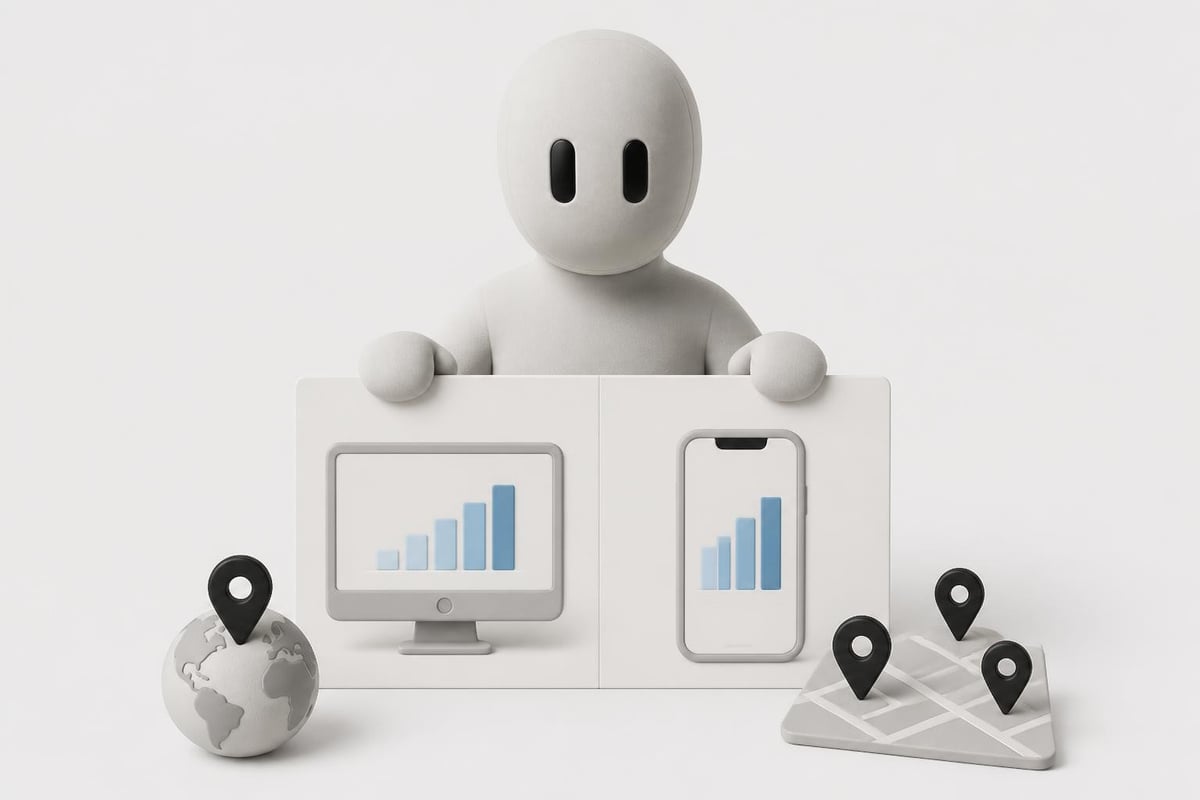
A page can rank #2 on desktop and #9 on mobile. If 70% of your traffic is mobile, the mobile rank is what matters. Search Console and most trackers let you filter by device.
Location matters too. A local business needs to monitor search engine rankings in its city, not nationally. If you serve multiple regions, track each separately.
Step 4: Correlate Rankings with Traffic
Position is a leading indicator. Traffic is the lagging one. A page can hold position but lose clicks if Google adds a featured snippet or People Also Ask box above it.
Use Google Analytics alongside Search Console to compare:
- Position trend (from Search Console or your tracker)
- Organic sessions (from Analytics)
- Conversion rate (from Analytics or your CRM)
If position stayed flat but traffic dropped, check the SERP for new features stealing clicks. If position dropped but traffic held steady, you may have gained impressions on long-tail variations.
Common Ranking Drops and How to Diagnose Them
When you monitor search engine rankings regularly, you will see fluctuations. Not all drops are emergencies. Here is how to triage.
Algorithm Update
Google ships updates constantly, but core updates and spam updates cause the biggest swings. If 20+ pages drop at once, an algorithm change is likely.
What to do:
- Check Google's Search Status Dashboard and SEO news sites for confirmed updates
- Review the pages that dropped and look for patterns (thin content, weak backlinks, poor UX)
- If the update targeted quality, improve content depth, add citations, and fix technical issues
Do not panic and rewrite everything. Wait a few weeks to see if rankings stabilize. Google sometimes rolls back or refines updates.
Competitor Launched Better Content
If one keyword drops but others hold steady, a competitor may have published a stronger page. Open an incognito tab, search the keyword, and read the top 3 results.
Ask yourself:
- Is their content longer, more detailed, or better formatted?
- Do they have more backlinks or higher domain authority?
- Did they add video, images, or interactive elements you lack?
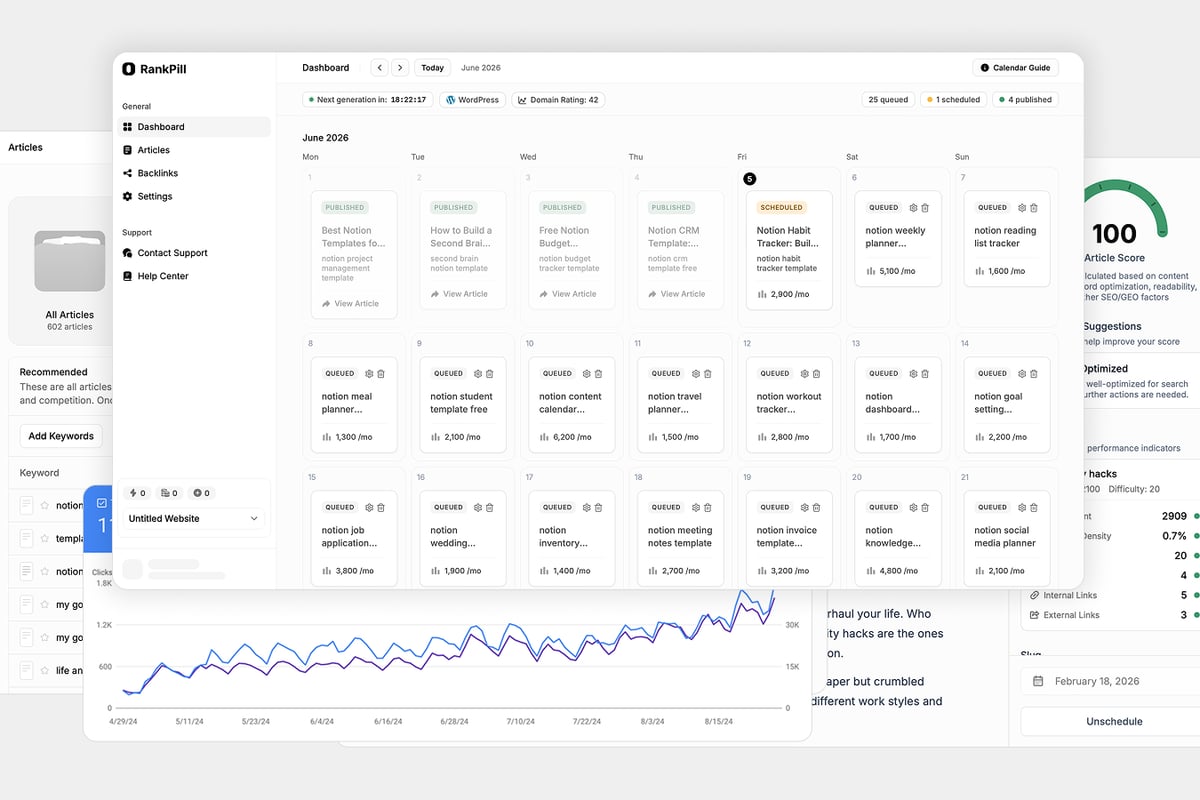
If their page is objectively better, you need to update yours. RankPill's SEO content writer studies the live top-10 results for a keyword and builds an outline that matches search intent, helping you publish content that competes from day one.
Technical Issue
A drop across many pages suggests a site-wide problem:
- Accidentally noindexed pages via robots.txt or meta tags
- Slow page speed or Core Web Vitals regression
- Broken internal links or redirect chains
- Mobile usability errors
Check Search Console's Coverage and Core Web Vitals reports. Run a crawl with Screaming Frog or Sitebulb to catch technical issues your monitoring tools miss.
Lost Backlinks
If a high-authority site removed a link or went offline, your page can drop. Use Ahrefs or SEMrush to check lost backlinks in the last 30 days.
If you lost a major link, try to reclaim it (reach out to the site owner) or replace it by building new backlinks from similar sources.
Tracking Rank for New Content
When you publish a new page, it takes weeks or months to rank. Monitoring the climb helps you understand what is working and when to optimize.
New content tracking workflow:
- Add the target keyword to your tracker the day you publish
- Check position weekly for the first 8 weeks
- If the page stalls on page 2 or 3 after 60 days, optimize (add internal links, improve the intro, update the title tag)
- If it never cracks the top 50, the keyword may be too competitive or your content missed search intent
Patience matters here. A page targeting "best CRM software" might take 6 months to reach page one if your site is new. A long-tail keyword like "CRM for 5-person sales teams" might rank in 2 weeks.
For practical advice on tracking cadence and keyword selection, read Search Engine Journal's rank tracking primer.
How to Respond When Rankings Drop
Drops happen. The key is responding fast with data, not guessing.
Step 1: Confirm the Drop Is Real
Check multiple sources. If your third-party tracker shows a drop but Search Console does not, the tracker may have hit a temporary SERP variation or Google personalized the result.
Wait 48 hours and check again. If the drop persists in Search Console, it is real.
Step 2: Identify the Scope
Answer these questions:
- Did one page drop or many?
- Did one keyword drop or a cluster of related terms?
- Did the drop happen on a specific date or gradually over weeks?
A single-page, single-keyword drop is usually a content or competitor issue. A site-wide drop points to technical problems or an algorithm update.
Search Engine Journal's guide on uncovering traffic declines in Search Console walks through the diagnostic steps in detail.
Step 3: Fix the Root Cause
| Problem | Fix |
|---|---|
| Competitor published better content | Update your page with deeper analysis, more examples, or multimedia |
| Technical error (noindex, 404, slow load) | Fix the error and request reindexing via Search Console |
| Lost backlinks | Build replacement links or reclaim the lost ones |
| Algorithm update penalized low-quality content | Improve E-E-A-T signals, add author bios, cite sources, improve UX |
| Keyword cannibalization (two of your pages compete) | Consolidate pages or re-optimize one for a different keyword |
Once you fix the issue, rankings recover in days to weeks depending on how often Google recrawls your site.
Integrating Rank Monitoring into Your Broader SEO Strategy
Rank tracking is not a standalone task. It fits into a loop: research keywords, publish content, monitor rankings, optimize, repeat.
Here is how the pieces connect:
- Keyword research identifies opportunities (use RankPill's keyword research tool or your preferred tool)
- Content creation targets those keywords
- Rank monitoring tells you if the content is climbing
- Optimization fixes pages that stall
- Backlink building pushes competitive pages higher
Without monitoring, you publish and hope. With monitoring, you publish and improve based on evidence.
If you want to streamline the entire loop, SEO automation tools handle keyword research, content creation, publishing, and backlink building in one workflow. That leaves you free to focus on monitoring and strategy.
Tools and Workflows for Small Teams
Founders and small teams cannot spend 10 hours a week tracking rankings. The workflow needs to be lean.
Minimal viable monitoring setup:
- Google Search Console for authoritative data (free)
- One third-party tracker with 20–50 keywords (budget $50–100/month or use a free tier)
- Weekly review of top keywords (15 minutes)
- Monthly deep dive when traffic drops or you launch major content (1 hour)
That is enough to catch 90% of issues. You can add complexity later when your site grows past 10,000 visits per month.
For agencies managing multiple clients, set up automated weekly reports that email you only when a client's rankings drop more than 3 positions on high-value keywords. This saves hours of manual checking.
HubSpot's article on checking and improving keyword rankings includes expert tips on integrating rank checks into your broader workflow without letting it consume your calendar.
Avoiding Common Monitoring Mistakes
Most rank tracking mistakes come from over-interpreting noise or under-reacting to real signals.
Mistakes to avoid:
- Panicking over daily fluctuations. Google tests variations constantly. A page can bounce between position 4 and 7 in the same day. Only act on sustained drops (3+ days).
- Tracking hundreds of keywords you do not care about. More data is not better data. Focus on the 20 keywords that drive revenue.
- Ignoring Search Console in favor of third-party tools. Third-party tools are estimates. Search Console is truth. Always validate drops there.
- Not filtering by device or location. If you track a keyword nationally but your audience is local, the national rank is meaningless.
- Forgetting to track new content. You cannot improve what you do not measure. Add new keywords to your tracker the day you publish.
The biggest mistake is not monitoring at all. Founders who only check rankings when traffic tanks spend months climbing back to where they were.
What to Do When Your Tracker and Search Console Disagree
This happens often. Your tracker says you rank #5. Search Console says average position 9.2. Both are correct.
Why the discrepancy:
- Personalization. Google personalizes results based on search history, location, and device. Your tracker simulates a generic search. Search Console averages all real searches.
- SERP features. If a featured snippet or image pack sits above organic results, your tracker may count you as #1 but users see you lower on the page.
- Date range. Your tracker shows position today. Search Console shows the average over the last 28 days.
Trust Search Console for historical trends and validation. Use third-party trackers for daily alerts and competitor comparisons.
Monitoring Rank on AI Search Engines
Google is not the only game anymore. ChatGPT, Perplexity, and other AI search tools cite sources and drive traffic. Tracking rank on these platforms is harder because they do not publish a "top 10" list.
How to monitor:
- Search your target keywords in ChatGPT or Perplexity and note which sources they cite
- Use tools like Botify or custom scripts to track citation frequency
- Monitor referral traffic from AI tools in Google Analytics (check the referrer URL)
This is still emerging. No tool tracks AI search rank the same way Ahrefs tracks Google rank. The best proxy is content quality and external citations. Pages with strong E-E-A-T and backlinks get cited more often.
For more on optimizing for AI search, read about AI web search trends.
How Often Should You Monitor Search Engine Rankings?
It depends on your niche, site size, and volatility.
| Site Type | Monitoring Cadence |
|---|---|
| Local business (stable niche) | Monthly reviews, quarterly deep dives |
| SaaS or ecommerce (moderate competition) | Weekly checks, monthly optimization |
| News, finance, health (high volatility) | Daily automated alerts, weekly reviews |
| New site (first 6 months) | Weekly checks to validate content is climbing |
Automated alerts save time. Set up a rule: if any keyword in your top 20 drops more than 5 positions, send an email. That way you only dig in when something breaks.
Building a Rank Monitoring Dashboard
Spreadsheets work, but dashboards are faster. Use Google Looker Studio (free) to pull data from Search Console, Google Analytics, and your rank tracker.
Key metrics to include:
- Average position for your top 20 keywords (line chart over time)
- Pages with the biggest position drops this month (table, sorted descending)
- Clicks vs. position scatter plot (to spot CTR issues)
- Month-over-month change in average position by topic cluster
Update the dashboard weekly or set it to refresh automatically. This gives you a single view instead of toggling between five tools.
Monitoring rankings is not about obsessing over small moves. It is about catching big drops early, validating that new content works, and knowing where to invest effort next. Google Search Console gives you the truth, third-party trackers add speed and automation, and a simple weekly workflow keeps you ahead of problems. If you want to skip the manual work entirely, RankPill researches keywords, publishes SEO content daily, and builds backlinks so you can focus on monitoring results instead of creating them. New customers get 50% off the first month, and if traffic has not grown in 90 days, you get a full refund.
Unlock Traffic on Autopilot
Grow organic traffic on autopilot. RankPill will research, write, optimize, and publish articles to your website daily.
 WordPress