
Semrush Pricing Guide: Which Plan to Pick and What It Costs

Modest Mitkus · November 9, 2026
Semrush pricing starts around $140 a month for the entry SEO plan and climbs past $500 a month for the largest self-serve tier, with add-on toolkits and custom enterprise deals on top. The right plan depends on how many projects you run, how many keywords you track and how much of the tool you will actually open each week. Prices change, so confirm the figures on Semrush's own pricing page before you pay.
This guide covers the plan tiers, the add-ons that raise your bill, the limits that matter, and a simple way to decide. It also covers a cost most buyers don't plan for: the time it takes to turn Semrush data into published content.
How Semrush Pricing Works
Semrush sells subscriptions in layers: core SEO plans, bundled "One" plans, separate add-on toolkits and a custom enterprise tier. You pay monthly or annually, and annual billing is cheaper per month.
Here is the structure in plain terms:
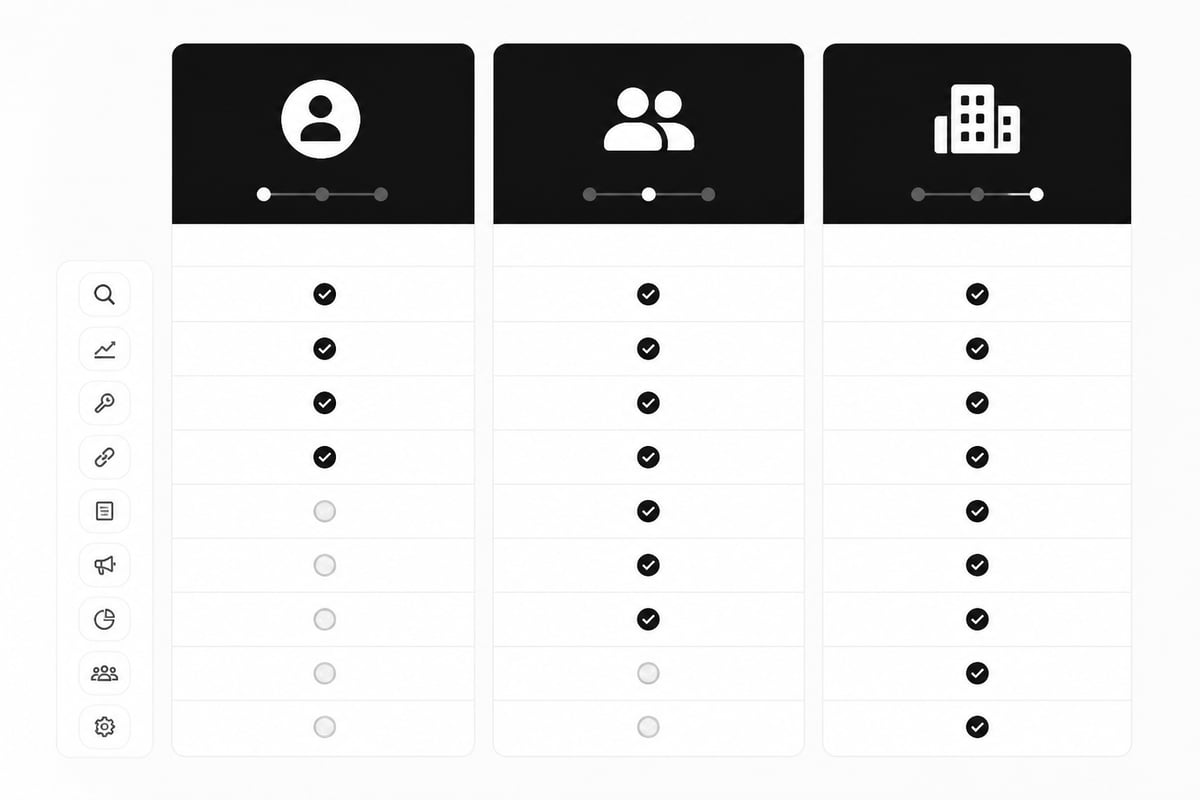
- SEO plans: Pro, Guru and Business. These cover keyword research, site audits, rank tracking and competitor analysis, with limits that grow at each tier.
- Semrush One bundles: Starter, Pro+ and Advanced. These pair the SEO tools with AI visibility features in one package.
- Add-on toolkits: Local SEO, Content Marketing, Social Media, Advertising, Traffic & Market Intelligence and others. Each is billed separately.
- Enterprise: custom pricing, custom limits and unlimited projects.
The Enterprise tier is the only one without a public price. Semrush describes it as custom-priced, with unlimited projects and custom limits, so you need to talk to sales.
Two things drive the final bill more than the headline number. The first is the billing cycle. The second is how many add-ons you stack on a base plan.
Semrush Plans and Prices in 2026
The core SEO plans are priced at roughly $140 (Pro), $250 (Guru) and $500 (Business) per month on monthly billing, according to the pricing breakdowns publishers have compiled. Semrush adjusts these figures from time to time, so treat the table as a guide and check the live page.
| Plan | Approx. monthly price | Typical user |
|---|---|---|
| Pro | $139.95 | Freelancers, solo founders, small sites |
| Guru | $249.95 | Small agencies, in-house marketers, content teams |
| Business | $499.95 | Larger agencies, multi-brand companies |
| Enterprise | Custom | Large organizations with custom limits |
Pro: the entry plan
Pro suits one person managing a few sites. You get keyword research, site audits, position tracking and competitor reports, with tight caps on projects and tracked keywords. If you manage one or two websites and check rankings weekly, this tier is enough.
Guru: the middle tier
Guru raises the limits and adds content marketing tools, historical data and more reporting options. Teams that publish regularly and want deeper trend data tend to land here. It costs almost twice as much as Pro, so move up only if you are hitting Pro's limits.
Business: the high-volume tier
Business gives you much higher caps, extra users and API access. It makes sense for agencies running SEO for many clients. A solo founder with one site will not use most of it.
Semrush One Bundles and Add-On Toolkits
Semrush One bundles the SEO tools with AI visibility tracking, and the add-on toolkits are separate products that you pay for on top of any plan. Bundle prices vary by tier, and you should check Semrush's own pricing page for the current figures.
Add-ons are where budgets quietly grow. A few examples from Semrush's own Advertising Toolkit page:
- The Base plan is listed at $99 per month billed annually, and Pro at $220 per month billed annually.
- An additional-user add-on is listed at $20 per month.
- A Lead Generation add-on is listed at $90 per month.
- Base Report is $10 per month and Pro Report is $20 per month.
Other toolkits carry their own prices. Local SEO is billed per location, and Social Media and Content Marketing are billed as separate subscriptions. If you add two or three toolkits to a Guru plan, your real monthly cost can pass $500 without ever touching the Business tier.
My advice: start with the base plan only. Add a toolkit when you have a specific job for it, not because it appears in the menu.
Limits That Affect What You Really Pay
Plan limits decide whether a tier is enough, so read them before you read the price. Semrush caps projects, tracked keywords, daily reports, users and the number of results you can pull in each report.
Check these before buying:
- Projects. One project usually equals one website. Agencies burn through this fast.
- Tracked keywords. Rank tracking has a hard cap per plan.
- Daily reports. Keyword and competitor lookups are limited per day.
- Users. Extra seats cost extra, often per user per month.
- Historical data. Lower tiers show less history.
If you hit a cap, you either wait, upgrade or buy an add-on. That is why a "cheap" plan can cost more than expected for an active team.
Which Semrush Plan Should You Choose?
Pick the cheapest plan whose limits you will not hit within the first three months. That rule saves more money than any discount code.
- One site, one person: Pro. Upgrade only if you run out of tracked keywords.
- Two to five sites or a content team: Guru. The extra history and content tools pay off when you publish often.
- Agency with many clients: Business, or Enterprise if you need custom limits.
- Unsure: Start monthly on Pro. You can upgrade at any time, and a monthly start costs less than being locked into a year of the wrong plan.
Annual billing saves money per month, but only commit once you have used the tool for a quarter and know your usage. Cancelling a yearly plan early rarely returns the unused months.
Is Semrush Worth the Price?
Semrush is worth the price if you will use the data weekly, and poor value if you log in once a month and export a spreadsheet. The tool gives you research. It does not write, edit or publish a single article.
That gap is the hidden cost of Semrush pricing for small teams. A $140 to $250 monthly subscription still leaves you with the work of picking topics, writing articles, adding images and links, and publishing them. If you hire a freelance writer at $100 to $150 per article, the real monthly spend on a 4-article cadence is already $540 to $850 before you count your own time.
Pros:
- Large keyword and backlink databases
- Strong competitor analysis
- Site audit and rank tracking in one place
- Flexible add-ons
Cons:
- Limits that push you to upgrade
- Add-ons that stack up quickly
- A learning curve for beginners
- No content production included
Semrush is a research tool, so match it to a research job. If you already have a writer or an in-house team and need competitive data, it fits. If you are a founder without time to turn data into content, the subscription alone will not bring traffic.
What Semrush Does Not Include: Turning Data Into Published Content
Semrush shows you which keywords to target, but someone still has to write and publish the articles. For founders and small teams without a writer, this is where most SEO budgets stall.
You have three options for closing that gap:
- Do it yourself. Cheapest in cash, most expensive in hours. Expect several hours per article.
- Hire writers or an agency. Reliable, but agency SEO commonly runs $5,000 or more a month, and individual articles from an agency cost around $133 or more.
- Automate the pipeline. Use a tool that handles keyword research, writing and publishing together.
RankPill takes the third route. It plans, writes and publishes articles to WordPress, Shopify, Webflow, Wix, Framer or any site via webhooks, with keyword research based on real search volume and difficulty. The RankPill plan costs $99 a month per website for 30 articles, which works out to about $3 per article. That does not replace Semrush's competitor and backlink databases, and the two do different jobs. If your main need is steady content rather than deep research, it is a cheaper first purchase. You can see how this compares to other options in this breakdown of what SEO costs.
RankPill is not for everyone. If you want only hand-written content, or your site cannot connect to a supported publishing platform, keep your writers and use Semrush for research.
How to Measure Whether Your Subscription Pays Off
Measure a subscription by what it changes on your site, not by how many reports you pull. Free data from Google shows you most of the result.
Connect Google Search Console and watch four numbers: clicks, impressions, click-through rate and average position. Google defines each of these in its Search Console documentation, and the Performance report lets you filter by page, query and date range.
A simple 90-day test:
- Record your clicks and impressions before you start.
- Publish on a fixed schedule, for example three articles a week.
- Check Search Console every two weeks.
- After 90 days, compare. If impressions and clicks are flat, change the plan or the approach before you renew.
Results depend on the niche and how established the site is, and there is no guaranteed timeline. Judge any SEO tool over several months, not after one.
Ways to Lower What You Pay
You can cut a Semrush bill with a few habits, none of which need a discount code.
- Start monthly, then switch to annual once your usage is stable.
- Skip add-ons until a clear task needs one.
- Share seats carefully. Extra users cost money, so give logins only to people who open the tool weekly.
- Audit usage every quarter. If you never reach your tracked-keyword cap, you may be on too big a plan.
- Pair research with cheaper production. Spend on data only as far as your content pipeline can act on it.
Agencies running SEO for several clients should also look at per-site pricing on the content side. RankPill applies volume discounts automatically for each website: 10% off for 2 to 4 websites, 15% for 5 to 19, and 20% for 20 or more. You can read more about running SEO for several clients if that is your setup.
Frequently Asked Questions
How much does Semrush cost per month?
The core SEO plans run from about $140 a month (Pro) to about $500 (Business) on monthly billing, with Semrush One bundles from about $199. Enterprise is custom. Confirm current figures on Semrush's site.
Is there a free Semrush plan?
Semrush offers limited free access with strict daily caps. It is enough to test the interface, not to run an SEO program.
Does Semrush include content writing?
No. Its tools support research and planning. Writing and publishing happen elsewhere, whether by you, a freelancer or an automation tool.
Can I cancel Semrush anytime?
Monthly plans can be cancelled before the next billing cycle. Annual plans are usually not refunded for unused months, so check the terms at checkout.
Which plan is best for a small business?
Start with Pro. Move to Guru only when you hit its project, keyword or reporting limits.
Before you pay for anything, open the Semrush pricing page and write down which three limits you would actually hit in your first 90 days. If your real bottleneck is publishing articles rather than finding keywords, try RankPill for a $1, 3-day trial that includes 3 articles, then judge the cost per article for yourself.
Unlock Traffic on Autopilot
Grow organic traffic on autopilot. RankPill will research, write, optimize, and publish articles to your website daily.