
Keyword Mapping Guide: Assign Keywords to Pages

Modest Mitkus · November 8, 2026
A keyword map is a spreadsheet that assigns each keyword you want to rank for to one specific page on your website. It tells you what every page should target, which pages you still need to create, and where two pages compete for the same search.
Most small sites skip this step. They write posts about whatever comes to mind, then wonder why three pages sit on page four for the same phrase. A keyword map fixes that with one afternoon of work and a simple table.
This guide shows you how to build one from scratch, how to fill each column, and how to keep it useful as your site grows.
What a keyword map is and why it matters
A keyword map is a document that matches each target keyword to a single URL, along with the data you need to judge it: search volume, difficulty, and search intent. Think of it as a floor plan for your site's search presence.
It matters for three reasons.
- It prevents cannibalization. When two pages target the same keyword, Google has to pick one. It often picks neither well.
- It exposes gaps. Keywords with no matching page become your content to-do list.
- It saves time. You stop debating what to write next because the map already says.
Google says its automated ranking systems are designed to prioritize helpful, reliable information created to benefit people, rather than content made to manipulate rankings. A map supports that goal. One page with one clear purpose is easier to make helpful than five pages that overlap.
For a small business, the payoff is focus. You cannot afford to waste any of your pages.
What goes in a keyword map: the columns
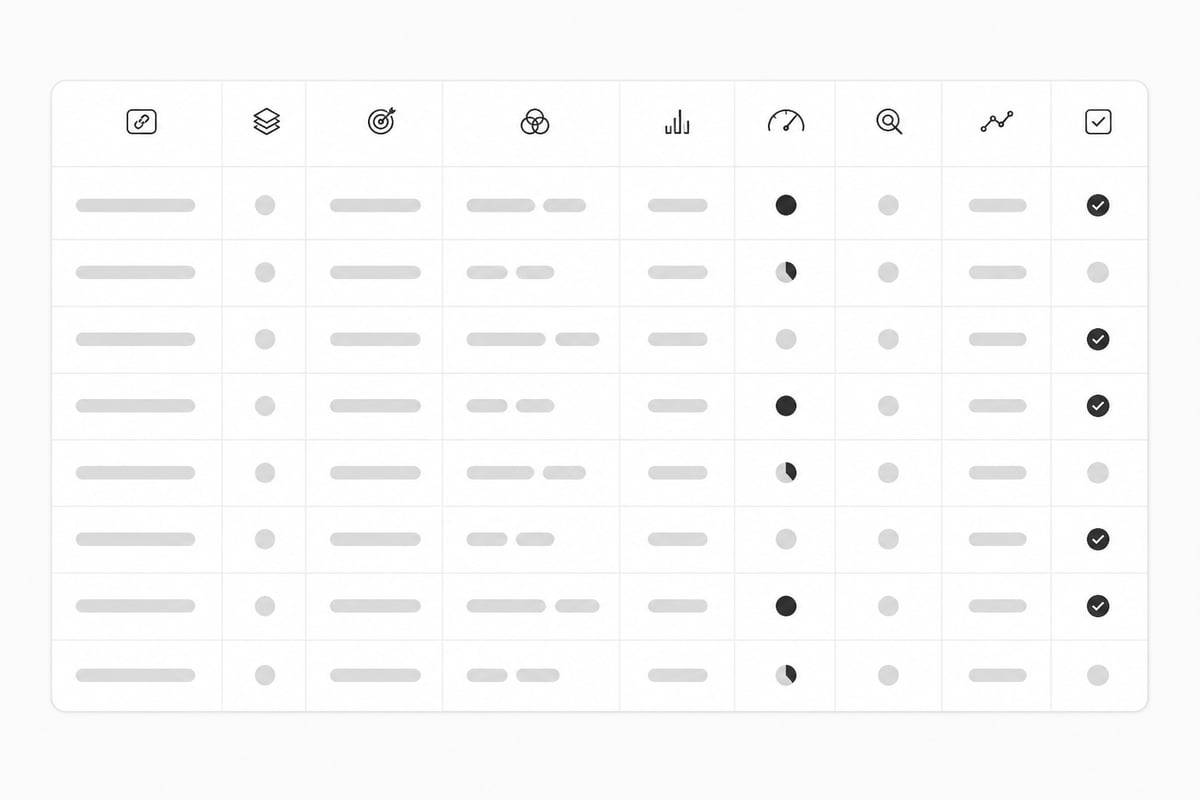
A good map has seven to nine columns, and no more. Extra columns make the sheet something you stop updating.
| Column | What to put in it |
|---|---|
| Page URL | The live URL, or "NEW" if the page does not exist yet |
| Page type | Home, service, product, blog post, category |
| Primary keyword | The one phrase this page should rank for |
| Secondary keywords | Two to five close variations and related terms |
| Monthly search volume | From your keyword tool |
| Keyword difficulty | A score from your tool, so you can judge effort |
| Search intent | Informational, commercial, transactional or navigational |
| Current position | Optional: from Search Console |
| Status | Live, needs update, to write |
Two columns do most of the work: primary keyword and search intent. If a page has two primary keywords, split the page or pick one.
How to build a keyword map in six steps
You can build a keyword map in an afternoon for a small site. Follow these steps in order.
- Set up the sheet. Create a spreadsheet with the columns above. Use Google Sheets so you can share it.
- Collect keyword candidates. Gather 50 to 200 phrases from your own site, competitors and live search data.
- Add volume and difficulty. Remove anything with no searches or far too much difficulty for your site.
- List your existing pages. Put every live URL in the sheet, one per row.
- Group keywords by meaning and intent. Phrases that mean the same thing go together.
- Assign each group to one page. Match it to an existing page or mark it as a page to create.
The next sections cover the steps where small teams usually get stuck.
Where to find keywords for your map
Start with what you already have, then add competitor and live search data. Three sources cover most small sites.
Your own site. Google Search Console shows the queries you already get impressions for. Google defines an impression as a user seeing or potentially seeing a link to your site in search results. Queries with many impressions and few clicks are good candidates: you are close, and a better-targeted page could move you up. The default Performance view covers the past three months, which is enough for a first pass.
Competitors. Look at the pages ranking above you for your main topics. Their titles and headings reveal what they target. Our guide on how to get competitor keywords walks through this, and the keyword gap tool post shows how to spot terms they rank for and you do not.
Live search data. Autocomplete, related searches and People Also Ask boxes show the phrases real customers type. These tend to be long and specific, which suits small sites. See the long-tail keyword strategy guide for how to use them.
If you would rather not stitch these sources together by hand, RankPill's Keyword Research Tool scans your website and your competitors and builds a list with real monthly search volume and keyword difficulty. Each keyword is tagged by opportunity.

How to group keywords before you assign them
Group keywords by what the searcher wants, not by how similar the words look. Two phrases can share every word and need different pages. Two phrases can share none and want the same answer.
Here is a simple test. Search each phrase in Google. If the top results are mostly the same pages, treat the phrases as one group. If the results differ, they need separate pages.
Take a local accounting firm as an example:
- "small business accountant" and "accountant for small businesses" return the same service pages. One group, one page.
- "how to do bookkeeping" returns how-to guides. A different intent, so a blog post.
- "bookkeeping software" returns comparison pages. Another page again.
The Semrush overview of keyword optimization covers keyword clustering, including how to assign keyword groups to pages so they do not overlap. A free keyword clustering tool can do a first pass for you if your list is long.
Pick the phrase with the best mix of volume and fit as the primary keyword. Everything else in the group becomes a secondary keyword for the same page.
How to assign keywords to pages
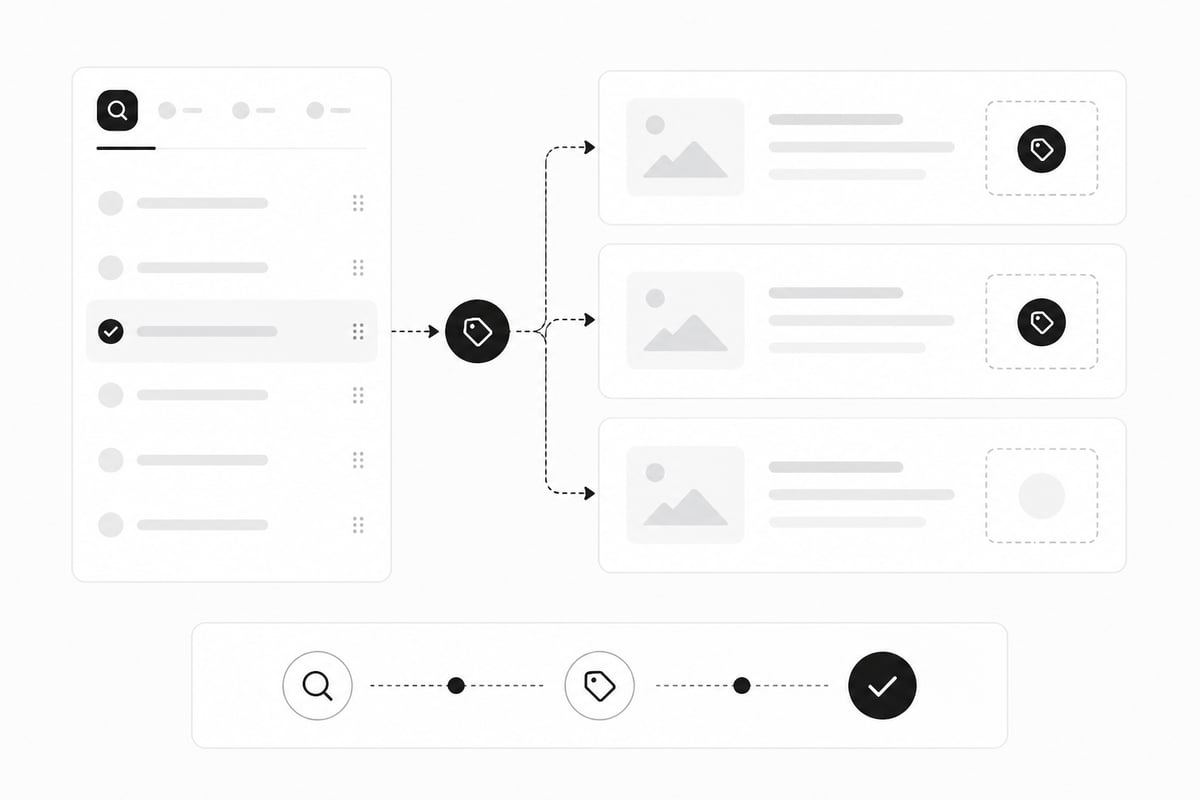
Assign each keyword group to the single page that best matches its intent, and create a new page only when no existing page fits. Semrush recommends assigning a target URL to each keyword-map topic: use an existing suitable page to optimize, or leave the URL blank when a new page needs to be created. That rule is simple enough to follow row by row.
Work through each group with these questions:
- Is there a page that already answers this search? If yes, assign it there.
- Is that page weak, thin or off-target? Mark it "needs update."
- Does no page fit? Write "NEW" in the URL column and mark it "to write."
- Would this keyword belong on a page that already has a primary keyword? If so, make it secondary or drop it.
Some rules help keep the map clean:
- One primary keyword per page. No exceptions.
- Money pages first. Service, product and category pages get their keywords before blog posts do.
- Blog posts support money pages. Informational posts should link to the commercial page they feed.
- Do not force a keyword onto a page. If it needs a bent sentence to fit, it belongs on a new page.
On that last point, repeating a phrase too often hurts you. Our post on keyword stuffing explains where the line sits.
A worked example: a small plumbing company
A keyword map is easier to grasp with real rows. Here is a simplified map for a plumbing company with five live pages. The volumes are illustrative.
| URL | Primary keyword | Intent | Volume | Status |
|---|---|---|---|---|
| /services/water-heaters | water heater installation | Transactional | 900 | Needs update |
| /services/drain-cleaning | drain cleaning service | Transactional | 600 | Live |
| /blog/water-heater-cost | how much does a water heater cost | Informational | 1,300 | Live |
| NEW | tankless vs tank water heater | Informational | 1,000 | To write |
| NEW | emergency plumber near me | Transactional | 2,400 | To write |
Notice what the map shows. The water heater service page needs work. Two clear pages are missing. And the cost post should link to the installation page, because a reader who learns the price is close to ready to hire.
Without the map, this company might have written a second "water heater cost" post in six months and split its own rankings.
How to check and maintain your keyword map
A keyword map is a working document, so review it every quarter. Search Console gives you what you need for free.
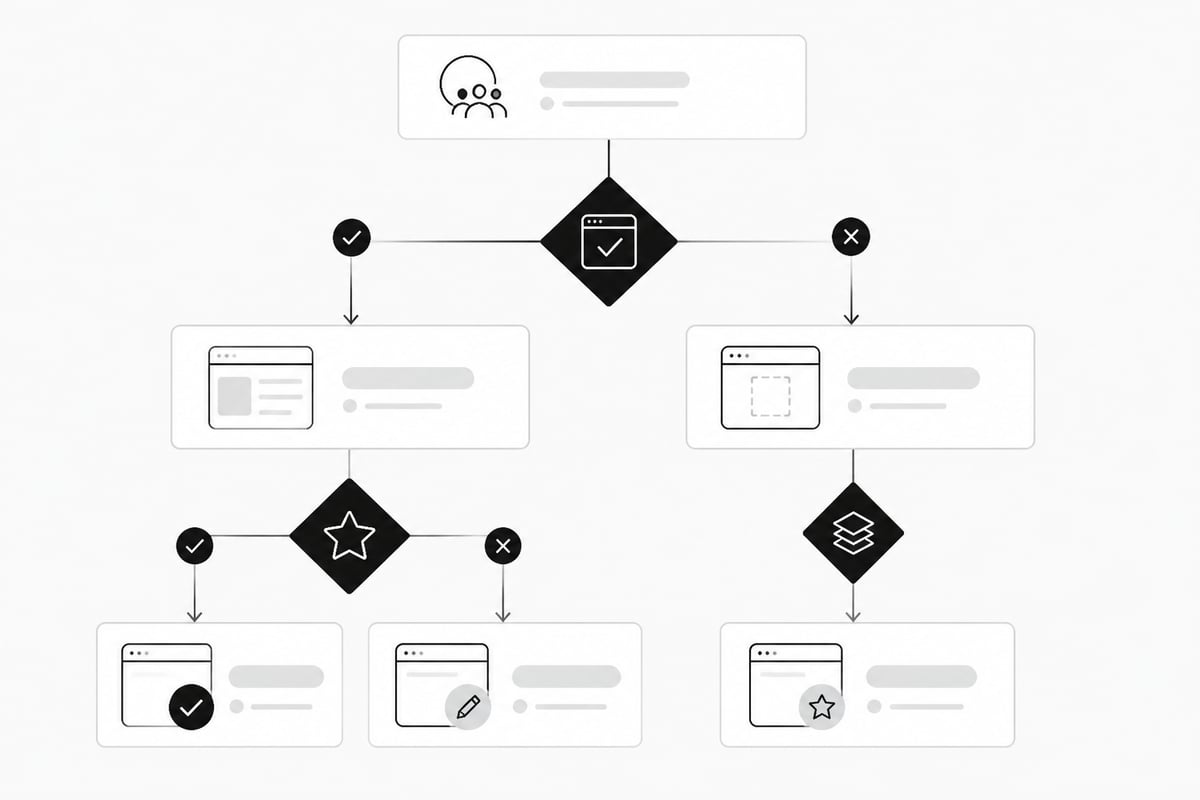
The Performance report can be filtered or grouped by page URL, country and date. Filter by one page and look at its queries. Then check three things:
- Does the page rank for its assigned keyword? If not, the content may not match the intent.
- Is it ranking for something else? That could be a new keyword to map.
- Is another page showing up for the same query? That is cannibalization, and it needs a fix.
Search Console reports average position as the average of the topmost position your site's link occupies across impressions, so treat it as a trend, not an exact rank. Click-through rate is clicks divided by impressions. A page in position 4 with a low click-through rate may need a better title and meta description.
When two pages compete, pick a winner. Merge the weaker page into the stronger one with a redirect, or rewrite one of them to target a different intent.
Using a keyword map to plan content
The most useful thing a keyword map does is turn your gaps into a publishing plan. Every row marked "to write" becomes an article.
Sort those rows by two things: how close the keyword is to a sale, and how hard it is to rank for. Start with low-difficulty, high-intent phrases. A new site gains more from ten easy wins than from one hard head term.
Then give each article a clear brief. The brief is the row itself: primary keyword, secondary keywords, intent, and the page it should link to. That is enough for a writer, or a tool, to produce something focused.
This is where a map pays off for a business with no writing time. If you run RankPill, the same list feeds your calendar. RankPill plans, writes and publishes articles on the days you choose, up to one a day on the RankPill plan, to WordPress, Shopify, Webflow, Wix, Framer or any site through webhooks. Each article comes with images, internal links to your own pages and a meta title and description. You can keep control by choosing "Approve the plan" or "Review each article," so nothing goes live without your say.
It is not the right choice if you want every word hand-written, or if your site cannot publish through a supported platform or webhook. In that case, use the map as a brief for your own writer.
Keyword map mistakes to avoid
Most map problems come from trying to do too much. These are the ones that cost small sites the most.
- Two primary keywords on one page. The page ends up unfocused for both.
- Mapping by words instead of intent. Similar phrases can need different pages.
- Chasing volume only. A phrase with 50 searches that buyers use beats one with 5,000 that nobody buys from.
- Never updating the map. A stale sheet is worse than none, because you trust it.
- Mapping every keyword you find. Cut the list to what your site can plausibly rank for. Our SEO keywords list post helps you filter.
- Ignoring AI search. People now ask ChatGPT and Google's AI Overviews the same questions. Pages with clear, single-topic answers are easier for those systems to cite. If you want to see how often your brand shows up, RankPill Plus tracks up to 50 prompts a day in ChatGPT, Gemini and Google AI Overviews.
One result worth noting: a RankPill customer saw an article cited by ChatGPT bring 4,647 visitors in a single month. That is one customer's result, not a promise, but it shows why one clear page per topic is worth building.
Keyword map FAQ
How many keywords should a keyword map have? Match the size of your site. A 20-page site might map 20 primary keywords and 60 to 100 secondary ones. Add rows as you publish.
Can I use a free tool to build it? Yes. A spreadsheet, Search Console and a few free tools are enough. Try the keyword generator and keyword difficulty checker to fill the volume and difficulty columns.
How often should I update my keyword map? Check it every three months, and add rows whenever you publish a page.
Do I need to remap if I redesign my site? Yes. New URLs mean new rows. Do the mapping before the redesign so you do not lose pages that already rank.
Open a blank spreadsheet today, list your live pages in column one, and write one primary keyword next to each. That alone will show you where you overlap and where you have gaps. When the "to write" rows pile up and you have no time to write them, RankPill can take that list from keyword research through publishing, and new customers can start with a 3-day trial for $1 that includes 3 articles. If you want the keyword list itself built for you first, start with the Keyword Research Tool.
Unlock Traffic on Autopilot
Grow organic traffic on autopilot. RankPill will research, write, optimize, and publish articles to your website daily.